
Amazon KDP dimensions explained for trim bleed spine
Amazon KDP dimensions: trim size, bleed, spine width, and why they matter
Estimated reading time: 6 minutes
- Right dimensions (trim, bleed, margins, spine) affect print cost, readability, and store presentation.
- Trim size changes layout and page count; bleed and margins protect edges; spine width controls cover build.
- Small measurement errors can trigger rejections or poor proofs—use precise templates and checks early.
- Tools like BookAutoAI and specialized converters speed formatting and produce publish-ready files.
- Why dimensions matter
- Trim size sets the reading experience
- Bleed and margins: protecting your content
- Common trim sizes and when to use them
- Spine width and cover size calculations
- How to calculate spine width
- Example quick calculation
- Why this matters in practice
- Cover file format and specs
- Practical tips for choosing dimensions and preparing files
- Tip 1 — Start with content and audience
- Tip 2 — Use KDP templates
- Tip 3 — Mind images and line art
- Tip 4 — Proof early
- Tip 5 — Tools can save time
- Tip 6 — Keep typography simple
- Tip 7 — Back up your calculations
- Tip 8 — Be careful with images spanning the gutter
- Internal links and resources for fast formatting
- Final thoughts
- FAQ
- Sources
Why dimensions matter
When you upload a book to Amazon KDP, the words matter—but so do the measurements. Dimensions control how the interior and cover files are built, how the book prints, and whether the preview and final product look professional.
If files aren’t sized correctly you can get rejected, see clipped content, or pay more because the wrong trim size changes page count. Using a reliable book upload tool can reduce upload errors and speed the review step.
Fixing dimensions early saves time during proofing and makes distribution smoother. For a technical walkthrough of KDP paperbacks, consult the Amazon KDP Formatting Guide or the Amazon KDP Formatting Guide 2 for built-in tips and reminders.
Trim size sets the reading experience
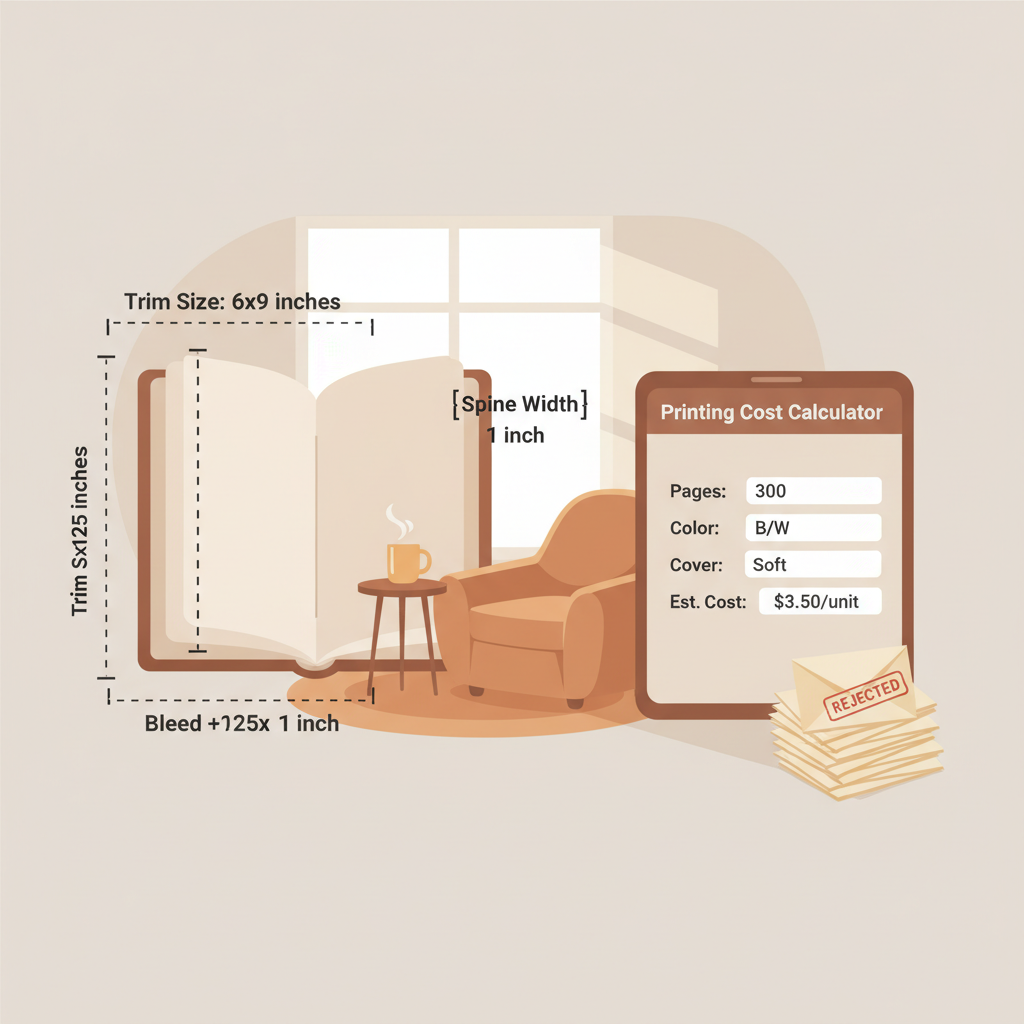
Trim size is the final width and height of the printed page after cutting. The common non-fiction standard is 6″ x 9″ because it balances readability and production cost.
Trim choice affects:
- Page count: Larger trim sizes can reduce page count for the same word total; smaller sizes increase page count and printing cost.
- Layout: Line length, font size, and paragraph breaks feel different at each size; design to match the chosen trim.
- Reader expectations: Genres have common sizes—workbooks and cookbooks use larger formats; many business books use 6″ x 9″.
Bleed and margins: protecting your content
Bleed is artwork or background color that extends past the final trim edge. Include bleed if any element must reach the page edge; otherwise trimming can leave white slivers.
Margins are internal spacing between text and the trim edge. KDP sets minimum margins that vary by trim size and page count; larger books need a larger inside gutter for binding.
Key margin rules to remember:
- Maintain a safe margin from the trim edge (follow KDP’s minimums).
- Allow a larger gutter when page count grows.
- Line-art and images must meet minimum thickness and resolution; thin lines can disappear in print.
Common trim sizes and when to use them
- 6″ x 9″ (152.4 x 228.6 mm): Standard for non-fiction—best balance of readability and cost.
- 5″ x 8″: Good for shorter nonfiction or memoirs.
- 8.5″ x 11″: Use for workbooks, guides, or reference books with heavy graphics.
- Small formats (e.g., 4.06″ x 7.17″): Pocket guides and brief essays.
Spine width and cover size calculations
The paperback cover uploaded to KDP is a single file that includes front, back, and the spine. Spine width changes with interior page count and paper type (white vs. cream paper have different thicknesses).
Getting the spine right determines where title and author text sit and whether spine text will be centered. If the measurement is off, the cover uploader may misplace critical elements.
How to calculate spine width
- Find interior page count and paper type (white or cream).
- Use KDP’s spine formula: spine width = page count × paper thickness (in inches or mm).
- Add spine width to front and back cover widths plus bleed to build the full cover file.
Example quick calculation
- Trim size: 6″ x 9″
- Page count: 250
- Paper type: cream
- If cream paper thickness = 0.0025″ per page (example), spine ≈ 250 × 0.0025 = 0.625″.
- Full cover width = back (6″) + spine (0.625″) + front (6″) + bleed (0.125″ × 2) = 12.875″ wide by 9.25″ tall (with bleed).
Why this matters in practice
- If the spine measurement is off slightly, the cover uploader may reject the file or place text on the seam.
- Very short books can have spines too thin for readable text—many authors omit spine text on short titles.
- Long books with wide spines need visual balance on the front cover; typography must compensate for extra width.
Cover file format and specs
For paperbacks upload a print-ready PDF cover (KDP provides templates including exact spine width and bleed). For ebooks, covers are single images sized for screens.
Ebook cover best practices:
- Ideal pixels: 2560 × 1600 is a common target for high-quality covers.
- Keep file size within KDP limits and use JPEG or TIFF as specified.
- Avoid tiny text on the front—thumbnail legibility matters.
If you need help creating a cover, a book cover generator can speed the process and produce correctly sized files for KDP’s uploader.
Practical tips for choosing dimensions and preparing files
1. Start with your content and audience
Pick a trim size that fits the genre and expected reader. Workbooks and guides benefit from larger pages; many business and self-help titles use 6″ x 9″.
2. Use KDP templates and double-check numbers
KDP provides templates for every trim size and page count. Set document dimensions exactly to trim size plus bleed and re-export to the PDF format KDP requests.
3. Mind your images and line art
Images should be 300 DPI at final print size. Line art must meet KDP’s minimum thickness (0.75 point or 0.01″ / 0.3 mm) to avoid disappearing in print.
4. Proof early and order a printed proof
Digital previews help, but a physical proof reveals off-center trims, color shifts, and spine misplacement. Catching these early saves rework and expense.
5. Tools can save time
Manual measurement and repeated uploads are slow. For non-fiction authors who want quick, accurate formatting and conversion to store-ready files, BookAutoAI can generate formatted interiors matched to your trim size and layout conventions.
If you need a clean EPUB that passes previews and platform checks, the EPUB Converter will produce properly structured files for Kindle, Kobo, and Apple Books and handle metadata, cover embedding, and chapter navigation.
6. Keep typography simple
Avoid tiny fonts and tight leading. For non-fiction, 10–12 pt body text is common depending on the font. Test real pages at the chosen trim size to ensure readable line length.
7. Back up your calculations
Save a copy of your spine width math, page count, and bleed values with the final exported cover. If the interior changes and page count shifts, rebuild the cover using the new spine width.
8. Be careful with images that span the gutter
Floor-to-floor images across two pages will be partly hidden in the binding. Avoid placing critical content in the gutter area.
Internal links and resources for fast formatting
For a straightforward guide to Amazon KDP formatting rules, consult the official KDP formatting documentation. For authors who prefer a more automated approach, tools that generate properly sized files and handle EPUB conversion can reduce errors and speed publication.
BookAutoAI positions itself as a non-fiction AI book generator to help with these steps while creating readable, humanized manuscripts. The EPUB Converter and the book cover generator are examples of tools that target common KDP requirements.
Final thoughts
Getting Amazon KDP dimensions right is both design and precision. Trim size affects layout, page count, and price; bleed and margins protect content during trimming; and spine width is a math step you must get right for a professional cover.
Use KDP templates, order proofs, and keep a clear set of measurements with exported files to avoid surprises.
For a faster path from manuscript to store-ready files, try Bookautoai to generate formatted non-fiction manuscripts that meet KDP standards while keeping a natural, human style.
FAQ
What is the single most common trim size for KDP paperbacks?
6″ x 9″ is the most common trim size for non-fiction and often the best starting point unless your book needs more room for images or exercises.
How much bleed should I add?
KDP typically asks for 0.125″ (3.2 mm) bleed on each side for print covers and interior images that go to the edge. Always check the template for your trim size.
How does page count affect spine width?
Spine width is directly tied to page count and paper type. More pages equal a wider spine—use KDP’s formula or templates to compute the exact width.
Can I put text on a very narrow spine?
If the spine is extremely thin (under roughly 0.2″), spine text may be unreadable. Many authors omit spine text for short books and use a clean visual instead.
What happens if my cover file dimensions are wrong?
KDP may reject the upload, show a bad preview, or produce a printed proof with misaligned text. Always validate cover dimensions against KDP templates.
How do I make an EPUB for Kindle with the right cover and navigation?
Use a tool that builds properly structured EPUBs with embedded covers, correct metadata, and clean chapter navigation. The EPUB Converter automates those steps and creates files compatible with Kindle, Kobo, and Apple Books.
Sources
- https://kdp.amazon.com/help/topic/G201857950
- https://kdp.amazon.com/help/topic/GVBQ3CMEQW3W2VL6
- https://kdp.amazon.com/help/topic/G200645690
- https://kdp.amazon.com/help/topic/G201834180
- https://kdp.amazon.com/en_US/help/topic/G6GTK3T3NUHKLEFX
Amazon KDP dimensions: trim size, bleed, spine width, and why they matter Estimated reading time: 6 minutes Right dimensions (trim, bleed, margins, spine) affect print cost, readability, and store presentation. Trim size changes layout and page count; bleed and margins protect edges; spine width controls cover build. Small measurement errors can trigger rejections or poor…