
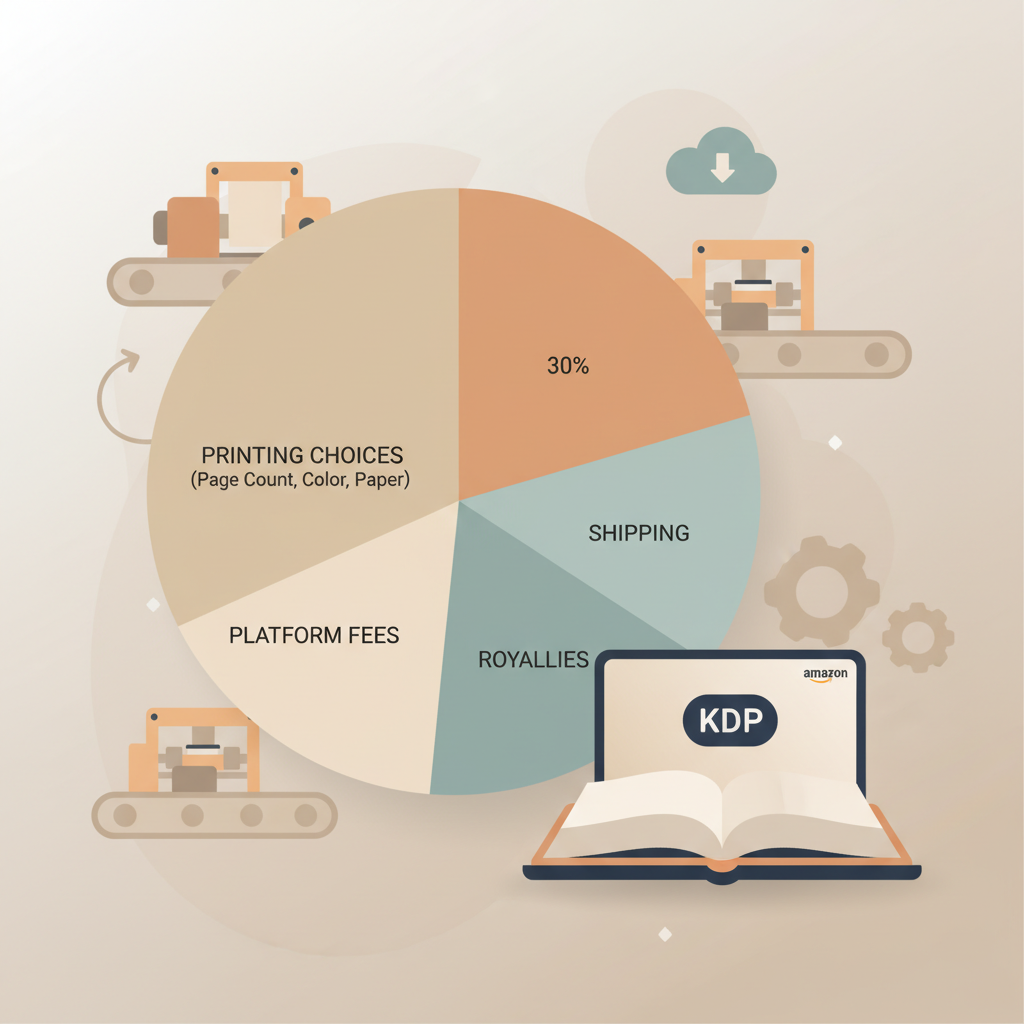
Amazon KDP Print on Demand Costs, Shipping and Royalties
Amazon KDP Print on Demand: How Printing, Shipping, and Margins Really Work
Estimated reading time: 5 minutes
- Print-on-demand removes upfront inventory cost, but per-copy printing choices (page count, color, paper, trim) drive your royalties.
- Amazon routes orders to regional printers; shipping and fulfillment affect buyer cost and speed, not the manufacturer fee you pay per copy.
- Small format and pricing decisions often change royalties more than promotional tactics — deliberate formatting and pricing raise profit per sale fastest.
- Use clean, marketplace-ready interiors, covers, and EPUBs to avoid proof cycles and lost launch days.
- For bookstore/library reach or special finishes, pair KDP with a second POD partner like IngramSpark.
Table of Contents
- How Amazon KDP Print on Demand works: manufacturing and shipping
- Files and pre-press checks
- Where printing happens
- Paper, ink, and finishes
- Turnaround and shipping
- Returns and quality control
- How distribution affects availability
- A quick note on fees and numbers
- Practical checklist to avoid manufacturing surprises
- Why margins vary on Amazon KDP Print on Demand — cost drivers and author strategies
- Main cost drivers
- How royalties are calculated
- Practical author strategies to protect margins
- When to use KDP + another POD service
- Avoiding hidden margin leaks
- Better book production reduces margin risk
- Practical pricing worksheet
- When to accept lower margins
- Tools and automation to reduce cost and time
- Final production thought before launch
- FAQ
- Sources
How Amazon KDP Print on Demand works: manufacturing and shipping
1) Files and pre-press checks
You supply a print-ready PDF for the interior and a complete cover file sized to your chosen trim and page count.
KDP performs automated checks for margin, bleed, and spine width; if files fail validation you re-upload corrected files.
Good file preparation reduces proofs and speeds time to market, so verify DPI, trim, and bleeds before upload.
2) Where printing happens
Amazon uses regional print partners; orders are routed to the nearest qualifying plant based on buyer location and logistics.
Because printing is on demand, each copy is printed, bound, and finished at the plant shortly after the order is placed.
3) Paper, ink, and finishes
Trim size (for example, 5.5″×8.5″ or 6″×9″), interior color (black-and-white or color), and paper stock (cream or white) are the main choices that change per-copy cost.
Color interiors and heavier paper stocks raise printing cost significantly compared to standard black-and-white text books.
Some trim sizes and finishes can be regionally limited; Amazon routes to plants that support your chosen specs.
4) Turnaround and shipping
After printing, books ship to an Amazon fulfillment center and then to the customer; many titles go live within 72 hours of approval.
Shipping costs and delivery windows affect the buyer’s experience and purchase behavior, but they don’t change your per-copy manufacturing fee.
5) Returns and quality control
Amazon handles returns and customer service; defective or damaged copies that are returned reduce the net royalty for that sale.
Printing quality is generally consistent for text-heavy books but can vary with high-contrast images; order a proof for new formats or color work.
How distribution affects availability
KDP Print is optimized for Amazon marketplaces. If you need bookstore or library distribution beyond Amazon, KDP’s Expanded Distribution has limits and reduced royalties.
Many authors use KDP for Amazon sales and a second POD partner for broader retail channels when needed.
A quick note on fees and numbers
Royalty math on KDP is driven by list price minus printing cost and any distribution fees; for a practical breakdown, see the Amazon KDP Fees Breakdown.
Practical checklist to avoid manufacturing surprises
- Export interior as a print-ready PDF at 300 dpi with correct trim and bleed settings.
- Generate a cover that includes spine and back, or use KDP’s cover creator for basic needs.
- Order a printed proof for any first-time trim size, paper choice, or color interior.
- Confirm global availability if you expect significant international sales.
Clear, correctly formatted files cut down on proof cycles. For authors who want readable typography and a professional cover, a service that automates formatting, builds EPUBs, and generates market-ready covers saves time.
If you need help producing a marketplace-ready EPUB, try an EPUB converter built for authors, and when you need a high-quality thumbnail-ready cover use a book cover generator.
For authors creating paperbacks or ebooks quickly, Bookautoai provides templates and export tools that match marketplace specs.
Why margins vary on Amazon KDP Print on Demand — cost drivers and author strategies
Margins on KDP vary because printing cost is not fixed; it changes per title and per order. Knowing the drivers helps you set a list price that protects your royalty.
Main cost drivers
- Page count: Longer books cost more to print. Tightening layout or editing can reduce pages without harming readability.
- Interior ink: Black-and-white is cheapest; full color adds a large per-copy cost and is usually for illustrated or children’s books.
- Trim size and paper: Larger trim sizes and premium paper raise costs; use common sizes for your genre to stay economical.
- Printing location: Amazon routes printing to different plants which can cause slight cost differences across marketplaces.
- Distribution option: Expanded Distribution increases reach but reduces per-sale royalties compared to Amazon-only.
- List price: Small list-price changes can have outsized effects on percentage royalty, especially for low-priced books.
- Returns and promotions: Returns reduce net royalty; promotions and discounts change effective earnings per sale.
How royalties are calculated (simple formula)
Royalty = List price – Printing cost – Distribution or channel fees
Example (simplified): Set a list price of $14.99, printing cost $4.50, and platform fees; the royalty is what remains after those deductions.
Practical author strategies to protect margins
- Start with a target royalty and work backwards to set list price.
- Use common trim sizes and black-and-white interiors for text-heavy non-fiction to minimize cost.
- If images are necessary, batch them or provide supplemental downloadable PDFs instead of full-color interiors.
- Watch page count: layout choices like large margins, big fonts, or wide spacing inflate cost.
- Offer tiered formats — a low-priced paperback and a premium color edition or hardcover via another provider.
- Use pricing psychology: a slightly higher price can increase perceived value and net royalty even if sales stay steady.
When to use KDP + another POD service
If you need wide bookstore distribution, specialized finishes, or better international printing coverage, pairing KDP with a broad-distribution POD like IngramSpark is common.
Be aware that using two POD services means managing two approval processes and proof orders.
Avoiding hidden margin leaks
- Order proofs and fix layout errors before wide release to avoid returns and negative reviews.
- Check metadata and pricing to prevent mis-categorization that reduces discoverability.
- Factor in sales tax, VAT, and currency conversion for target markets.
Better book production reduces margin risk
A polished interior and a genre-appropriate cover perform better in search and conversion, reducing wasted proofs and rework.
Write like a Human, Publish like an author. Balance readable prose with professional publishing standards.
Practical pricing worksheet (simple steps)
- Choose trim size and interior type (e.g., 6″×9″, black-and-white).
- Estimate page count after final layout.
- Use KDP’s calculator or recent print-cost examples to map printing cost.
- Pick a target royalty per sale (e.g., $3.50).
- Set list price = printing cost + target royalty + estimated distribution fee.
- Check comparable books to ensure market fit.
When to accept lower margins
Low-cost print options can be a loss leader for building readership or selling higher-margin services like consulting or courses.
Consider the book’s lifecycle: a lower per-book margin can be justified if it drives more valuable business.
Tools and automation to reduce cost and time
Use a reliable EPUB converter and a cover generator to produce store-ready assets quickly and correctly; these reduce proof cycles and speed approvals.
For upload and distribution tasks, professional book upload tools simplify distributing titles to multiple retailers.
Final production thought before launch
Always order at least one printed proof in each format and from any new trim size or region before approving wide release — it’s the most cost-effective quality control step you can take.
If you want a faster path to clean, publish-ready non-fiction — with formatted interiors, an EPUB that passes platform checks, and covers designed to perform on marketplace thumbnails — consider trying Bookautoai for demos and templates.
FAQ
Does KDP Print charge anything upfront?
No. KDP Print has no setup fees for paperbacks or hardcovers; printing costs are deducted when each copy sells.
How quickly will Amazon print and ship a POD order?
Amazon typically routes orders to a nearby print plant and fulfills within advertised shipping windows; file approval often takes 24–72 hours when files pass checks.
Will printing quality be the same worldwide?
Quality is generally consistent for text-based books but can vary slightly by plant and paper; always order proofs for color or image-heavy work.
What’s the biggest single factor that changes my royalty?
Page count and color choice. Adding color or many pages increases per-copy costs sharply.
Should I use KDP only, or KDP plus another printer?
For Amazon-focused non-fiction, KDP alone is usually enough. If you need broader bookstore or library distribution, pairing KDP with IngramSpark is common.
How do I avoid formatting errors that delay publishing?
Use book-focused templates, validate PDFs before upload, and use tools that produce proper EPUBs and covers to reduce errors and speed approvals.
Are there tricks to lower print cost without hurting reader experience?
Choose standard trim sizes, use black-and-white interiors when possible, and streamline content to reduce page count.
Do returns hurt my royalties?
Yes. Returns reduce net sales figures and royalties; high-quality proofs and clear product descriptions reduce return-related losses.
Sources
- https://spines.com/ingramspark-vs-kdp-print-which-service-is-the-best/
- https://reedsy.com/blog/best-book-printing-services/
- https://selfpublishingwithdale.com/index.php/2025/02/13/kdp-print-vs-ingramspark-comparison/
- https://harmonypublishing.net/top-print-on-demand-book-services-in-the-usa-2025-guide/
- https://scribecount.com/author-resource/publishing-a-book/print-on-demand-self-publishing-authors
- https://blog.bookautoai.com/amazon-kdp-fees-breakdown
Amazon KDP Print on Demand: How Printing, Shipping, and Margins Really Work Estimated reading time: 5 minutes Print-on-demand removes upfront inventory cost, but per-copy printing choices (page count, color, paper, trim) drive your royalties. Amazon routes orders to regional printers; shipping and fulfillment affect buyer cost and speed, not the manufacturer fee you pay per…