AI Book Outline Generator
An AI book outline generator is a tool that turns your book idea into a chapter-by-chapter plan: a title, a list of chapters, and the points each chapter should cover.…

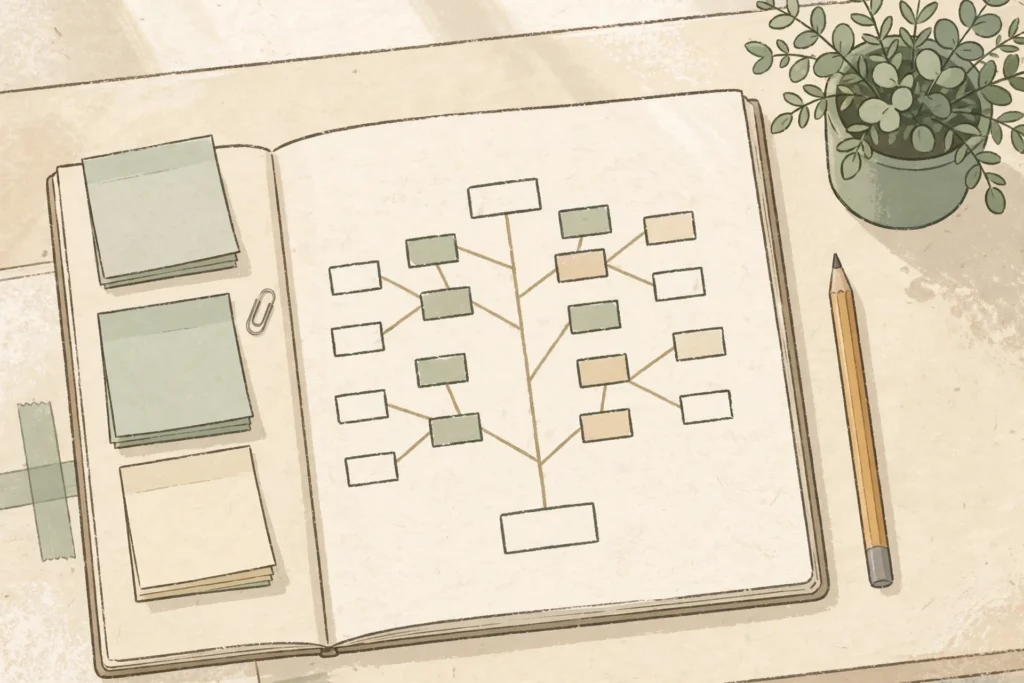
An AI book outline generator is a tool that turns your book idea into a chapter-by-chapter plan: a title, a list of chapters, and the points each chapter should cover. You give it your topic, your reader, and the promise of the book. It gives you a structure you can rearrange, cut, and fix. The outline is the cheapest place to fix a book, because moving a chapter costs nothing and rewriting one costs days.
Why does the outline matter more than the first chapter?
A book without an outline wanders. Chapters repeat each other, the middle sags, and the ending arrives before the promise is kept. Readers feel that, even if they cannot name it, and they stop reading.
An outline fixes that before you write a word. It shows you the whole book at a glance: whether every chapter serves the promise, whether the order makes sense for a beginner, and whether anything important is missing. Fixing a weak chapter in the outline takes a minute. Fixing it in a finished draft takes an afternoon.
The outline also keeps an AI draft on track. A generator that writes one chapter at a time from a good outline stays consistent. The same generator without an outline drifts, repeats itself, and invents things to fill the gaps.
How does an AI book outline generator work?
You describe the book in three sentences: who the reader is, what the book promises, and what the reader should be able to do after reading it. The generator returns a chapter list, usually with a one-line summary of each chapter and the key points it should cover.
A good outline has between 8 and 12 chapters for a short nonfiction book. Fewer than that, and the chapters are too long to hold a reader’s attention. More than that, and the book starts to repeat itself.
The outline the generator gives you is a first draft, not a finished plan. Your job is to fix it: cut chapters that do not serve the promise, reorder the rest so a beginner can follow them, and add the chapters only you know about, the ones that come from your own experience.
What makes a good book outline?
A good outline passes four tests.
First, one reader. Every chapter is written for the same person, at the same level. If chapter three assumes a beginner and chapter four assumes an expert, the outline is wrong.
Second, one promise. Every chapter moves the reader closer to the outcome on the cover. A chapter that is interesting but does not serve the promise is a chapter to cut.
Third, a logical order. A beginner reads chapter one first, so chapter one must make sense with no earlier chapters. Each chapter should build on the one before it, and none should need a chapter that comes later.
Fourth, a clear ending. The last chapter should deliver the result the book promised, not introduce a new topic. A book that ends with a new idea feels unfinished.
Copy this AI book outline generator prompt
Paste this into any AI tool, fill in the brackets, and you will get a usable first outline without buying anything.
“My reader is [who they are, in one sentence]. My book promises [the outcome, in one sentence]. After reading it, my reader should be able to [the skill or result]. Give me a chapter outline for a short nonfiction book: 10 chapters, each with a title, a one-line summary, and the three points the chapter must cover. Order the chapters so a complete beginner can follow them. Do not include a chapter about [anything outside the promise].”
The last line matters. Without it, a generator will add generic chapters about mindset, motivation, or history that every book has and no reader needs.
Worked example: outline for a weeknight dinners cookbook
Reader: a busy parent who wants easy weeknight dinners. Promise: 30 dinners that take 20 minutes or less. Here is what a fixed outline looks like after the generator’s first draft has been edited.
- The 20-Minute Kitchen: What You Need Before You Start — the pantry list, the three tools that matter, and how to read the recipes in this book.
- Five Ingredients or Fewer — dinners built from a short shopping list, with one shopping trip a week.
- One-Pan Dinners — everything cooks in a single pan, and there is only one pan to wash.
- Fifteen Minutes, Start to Finish — the fastest recipes in the book, for the nights when nothing went to plan.
- Chicken, Six Ways — six dinners from the same base, so one shopping list covers a whole week.
- Fish Without the Fuss — fish dinners that do not smell up the kitchen or need special skill.
- Vegetarian Nights That Fill You Up — bean, egg, and cheese dinners that satisfy a hungry family.
- The Freezer Is Your Friend — cook once, eat twice: dinners that freeze well and reheat well.
- Kids Can Help — dinners with a safe job for a child, so cooking is faster and more fun.
- Your First Week, Planned — a seven-day plan using recipes from the book, with one shopping list.
Notice what the outline does not contain: no chapter on the history of cooking, no chapter on kitchen mindset, no chapter that repeats another. Every chapter serves the promise, and the order moves from simplest to most useful.
How do you fix an outline an AI generator gives you?
Run this checklist on every outline before you write a single chapter.
- Every chapter serves the promise. If it does not, cut it.
- A beginner can read chapter one with no earlier knowledge.
- No two chapters cover the same ground. If they do, merge them.
- The chapters only you could write are in the outline: your stories, your method, your mistakes.
- The last chapter delivers the result the book promised.
- There are 8 to 12 chapters, not 20 and not 4.
- Each chapter has three points, no more. A chapter with seven points is two chapters hiding in one.
- Read the chapter titles in order out loud. If the story they tell does not make sense, reorder them.
If an outline fails any of these, fix the outline. Do not write around it.
Should you use an outline generator, or write the outline yourself?
Use the generator for the first draft of the outline, then fix it yourself. The generator is fast at structure and bad at judgment. You are slow at structure and good at judgment. That trade is the whole point: let the tool do the fast part, and spend your time on the part only you can do, which is deciding what the book is really about and what belongs in it.
If you want a faster way to turn your expertise into that book and a first draft you stay in control of, take a look at BookAutoAI: Visit BookAutoAI.com
Start here: if you are starting a nonfiction book, begin with the Outlining a Nonfiction Book hub, then read Plan Book With AI.