
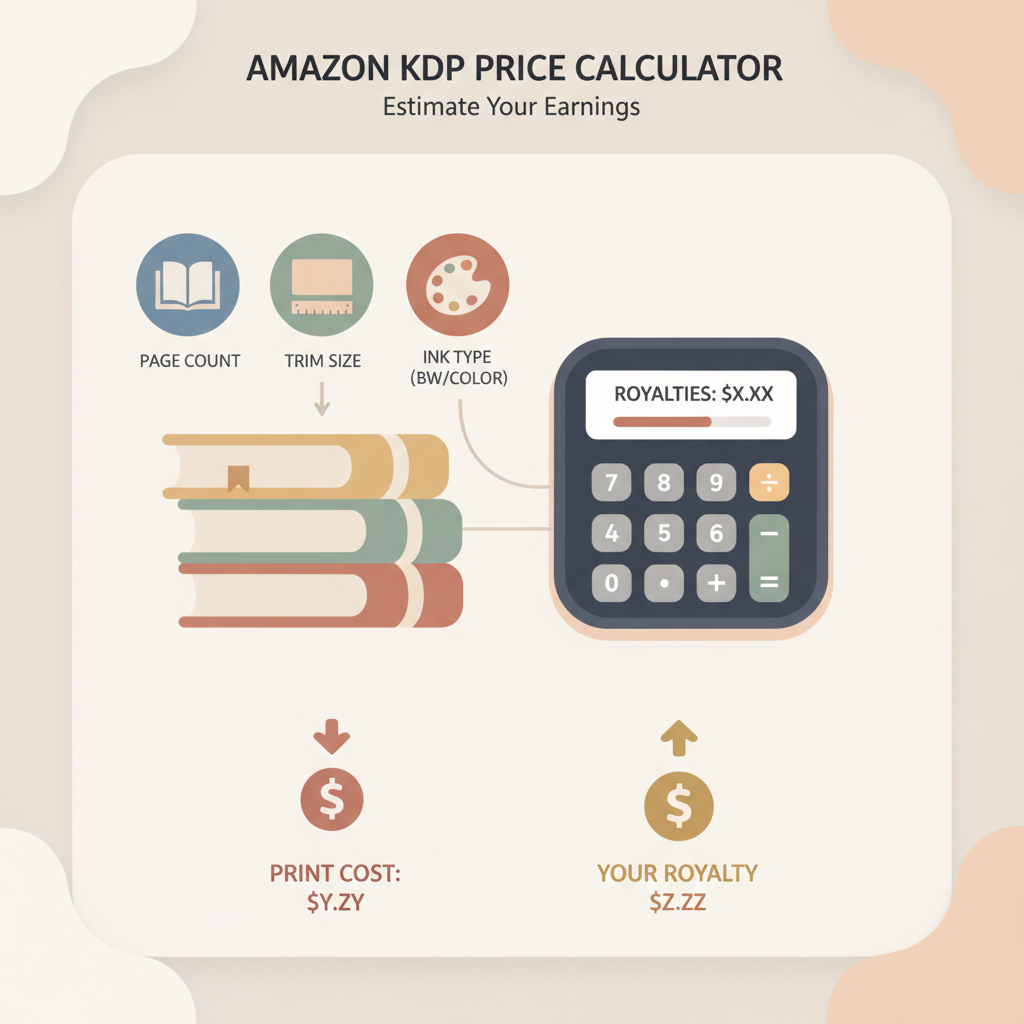
Amazon KDP Price Calculator Estimate Printing Costs
amazon kdp price calculator: How to estimate printing costs and interpret the outputs
Estimated reading time: 7 minutes
- The Amazon KDP price calculator estimates printing costs, minimum list prices, and royalties for print and ebook formats using page count, trim size, ink type, and marketplace.
- Know the difference between printing costs (fixed + per-page) and royalties (percentage of list price minus printing). That helps set profitable list prices.
- Use scenario testing — change page count, ink, and list price — to see how small spec changes affect profit and minimum price.
- BookAutoAI is a fast option for producing KDP-ready non-fiction, including formatted manuscripts, EPUB conversion, and market-ready covers.
- A clear pricing sequence (calculator → formatted file → cover → EPUB) reduces surprises at upload and speeds time-to-publish.
- How the Amazon KDP Price Calculator Works
- Step-by-step: Use the Amazon KDP Price Calculator
- Interpreting printing cost outputs and royalties
- Printing cost: fixed + per-page
- Royalties explained
- Minimum price: why it matters
- Practical reading of outputs
- Pricing examples and practical scenarios
- Example 1 — Short workbook
- Example 2 — Long non-fiction
- Example 3 — Photo-heavy guide
- Format once, test many prices
- Final thoughts, next steps
- FAQ
- Sources
How the Amazon KDP Price Calculator Works
The amazon kdp price calculator helps authors estimate printing costs and royalties at different list prices. It uses a few key inputs—page count, trim size, ink type, and marketplace—to compute printing cost and the minimum acceptable list price.
At its core, printing cost is a small fixed base plus a per-page rate. Black-and-white paperbacks typically have a lower per-page rate than full-color interiors, and the calculator enforces minimum list prices based on the specs you choose.
Royalties are calculated from the list price using Amazon’s rules: for print books, a common formula is 60% of list price minus printing cost; ebooks use either a 35% or 70% royalty option that is adjusted by delivery fees and eligibility.
A practical tip: have your finished manuscript and final page count ready. If you use a service that produces and formats your book—including front matter, TOC, and chapter breaks—the page count and trim size are predictable. For a deep dive into fee breakouts and regional minimums, see the Amazon Kdp Fees Breakdown.
Step-by-step: Use the Amazon KDP Price Calculator
This section walks through the practical steps of using the calculator. The order below mirrors the typical KDP flow so the numbers you see will match what KDP enforces at upload.
1. Choose format and marketplace
- Decide format: ebook, paperback, or hardcover—each format uses different cost rules.
- Pick the marketplace: (for example, Amazon.com or Amazon.co.uk). Printing costs and minimum list prices can vary by market.
2. Enter trim size and page count
- Select trim size: match the size used during formatting (e.g., 6″ x 9″). Trim affects per-page calculation and layout.
- Enter page count: include appendices, workbook pages, and images now so the printing estimate is accurate.
3. Pick interior type: black-and-white or color
- Black-and-white: cheaper and appropriate for most non-fiction without color images.
- Color: more expensive per page; use only when color adds clear value.
4. Add list price and run scenarios
- Enter a proposed list price to see printing cost per copy, royalty estimates, and minimum price warnings.
- Try several list prices and see how royalties change. For ebooks, test both royalty options and note delivery fees that lower net income.
5. Note minimum price warnings
The calculator flags the minimum allowed price based on your specs. If a list price is below that minimum, KDP will not allow the book to go live at that price.
Interpreting printing cost outputs and royalties
When the calculator returns numbers, it usually shows:
- Printing cost per copy
- Royalty per copy (or percentage)
- Minimum list price required
- Estimated royalty at the entered list price
Printing cost: fixed + per-page
Printing cost is typically the sum of a fixed base and a per-page rate. For example, a base plus a small per-page amount is common; exact numbers vary by trim and market.
A 200-page B&W book might cost a few dollars to print. If your list price is $8.99 and print cost is $3.25, the gross margin before royalty formulas is $8.99 − $3.25.
Royalties explained
Paperbacks: Royalty = (List price × 60%) − Printing cost.
So with a list price of $8.99: 60% of list = $5.394; subtract printing cost $3.25 = ≈ $2.14 net royalty per copy. Small price changes can disproportionately affect that net amount.
Ebooks: the calculator shows delivery fees and the two royalty options (35% or 70%). The 70% option requires eligibility and is reduced by delivery fees based on file size, so be conservative when estimating ebook fees if your file contains images.
Minimum price: why it matters
The minimum exists so printing and distribution costs are covered. If your chosen price is below KDP’s minimum for those specs, KDP won’t allow the book to be published at that price.
Typical minimums vary by trim and market; a 200-page B&W paperback might have a minimum near $5.00–$5.50 depending on region.
Practical reading of outputs
- If royalties are very low at your target price, consider reducing page count (trim whitespace, move appendices to a digital supplement), switch to black-and-white, or choose a smaller trim size.
- If the minimum price is close to what readers expect for the genre, you may need to adjust content length or accept a higher list price.
- Compare projected royalties with expected sales volume — sometimes lower price + higher volume yields more total revenue.
Pricing examples and practical scenarios
Example 1 — Short workbook, black-and-white, 60 pages
- Trim: 8.5″ x 11″ (common for workbooks)
- Pages: 60
- Ink: Black-and-white
- Marketplace: Amazon.com
Calculator output (illustrative): Printing cost ≈ $2.20; suggested minimum ≈ $6.99; royalty at $6.99 ≈ $1.99 per copy.
Interpretation: workbooks often sell better at lower list prices if volume matters. If $1.99 per copy is acceptable because expected volume is high, this can be viable. If you need a higher per-copy return, consider selling a downloadable PDF alongside print.
Example 2 — Long non-fiction, black-and-white, 220 pages
- Trim: 6″ x 9″
- Pages: 220
- Ink: Black-and-white
Calculator output (illustrative): Printing cost ≈ $4.10; suggested minimum ≈ $7.99; royalty at $12.99 ≈ $3.69 per copy.
Interpretation: a 220-page non-fiction title priced at $12.99 produces healthy per-copy royalties. Many non-fiction buyers accept $9.99–$14.99 for substantive content, so set price to match perceived value.
Example 3 — Photo-heavy guide, full color, 150 pages
- Trim: 8″ x 10″
- Pages: 150
- Ink: Full color
Calculator output (illustrative): Printing cost ≈ $12.50; suggested minimum ≈ $16.99; royalty at $24.99 ≈ $2.49 per copy.
Interpretation: color interiors raise printing costs substantially. For photo-rich books, margins can be slim unless priced at a premium. Consider limiting color pages or offering a digital PDF to capture additional revenue.
Format once, test many prices
Producing correctly formatted files before pricing avoids changing page counts mid-process. Tools that generate finished manuscripts and clean EPUB and print-ready files remove friction.
If you plan to create a paperback and ebook, pick a system that handles cover creation and EPUB conversion so your files match the specs you entered in the calculator. BookAutoAI is built to produce formatted files and covers that align with those inputs.
BookAutoAI generates non-fiction manuscripts, produces market-ready covers, and converts to EPUB so the files you upload match the calculator inputs. If you need a cover, try the Cover Generator for a professional, thumbnail-friendly design; and to make a clean ebook file for KDP, use the EPUB Converter.
When you’re ready to publish, consider tools that simplify the upload process — for example, services that streamline how you upload to KDP and other retailers.
Final thoughts, next steps
Understanding the outputs from the amazon kdp price calculator is a small but crucial part of publishing. The calculator shows what you must charge at minimum, what you can expect per copy, and how format choices affect profitability.
Take these final practical steps:
- Lock in your final page count and trim size before pricing.
- Test several list prices to see how royalties and buyer expectations align.
- Compare per-copy earnings with expected sales volume to choose the best pricing strategy.
- Use production tools that output upload-ready files to match the calculator’s expectations—this reduces errors and costly re-uploads.
Write like a Human, Publish like an author.
FAQ
Where do I find the Amazon KDP price calculator?
The calculator is available in your KDP dashboard under Tools and Resources. Log into KDP, find the Printing Cost & Royalty Calculator, and enter your book specs to see the outputs.
Why does my minimum price change when I change trim size?
Trim size affects paper usage and page formatting. Different trims use different per-page rates and sometimes different fixed costs, which alters the minimum price KDP enforces.
Can I set a list price below the calculator’s minimum?
No. KDP enforces minimum list prices for print formats based on your specs. If your chosen price is below that threshold, KDP will not allow the book to go live at that price.
How do ebook delivery fees work?
Under the 70% royalty option, Amazon charges a delivery fee based on file size. That fee reduces your final royalty. The calculator estimates delivery fees so you can see net earnings.
Should I prioritize a lower list price or higher per-copy royalty?
It depends on your goals. Lower prices can increase volume and sometimes produce higher total revenue despite smaller per-copy earnings. Higher prices increase per-copy profit but may reduce sales. Test scenarios and compare total revenue estimates.
Sources
- https://kdp.amazon.com/help/topic/G200641280
- https://kdp.amazon.com/royalty-calculator
- https://kindlepreneur.com/kdp-royalty-calculator/
- https://bookbeam.io/kdp-royalty-calculator/
- https://www.podly.co/blog/kindle-direct-publishing-price-calculator
- https://www.youtube.com/watch?v=ZDJbqj6fGYQ
- https://blog.bookautoai.com/amazon-kdp-fees-breakdown
amazon kdp price calculator: How to estimate printing costs and interpret the outputs Estimated reading time: 7 minutes The Amazon KDP price calculator estimates printing costs, minimum list prices, and royalties for print and ebook formats using page count, trim size, ink type, and marketplace. Know the difference between printing costs (fixed + per-page) and…