
Amazon KDP Trim Sizes Practical Guide and Formatting
Amazon KDP Trim Sizes: A Practical Trim Size Decision Guide
Estimated reading time: 5 minutes
- Choosing the right KDP trim size affects readability, production cost, and how readers perceive your book.
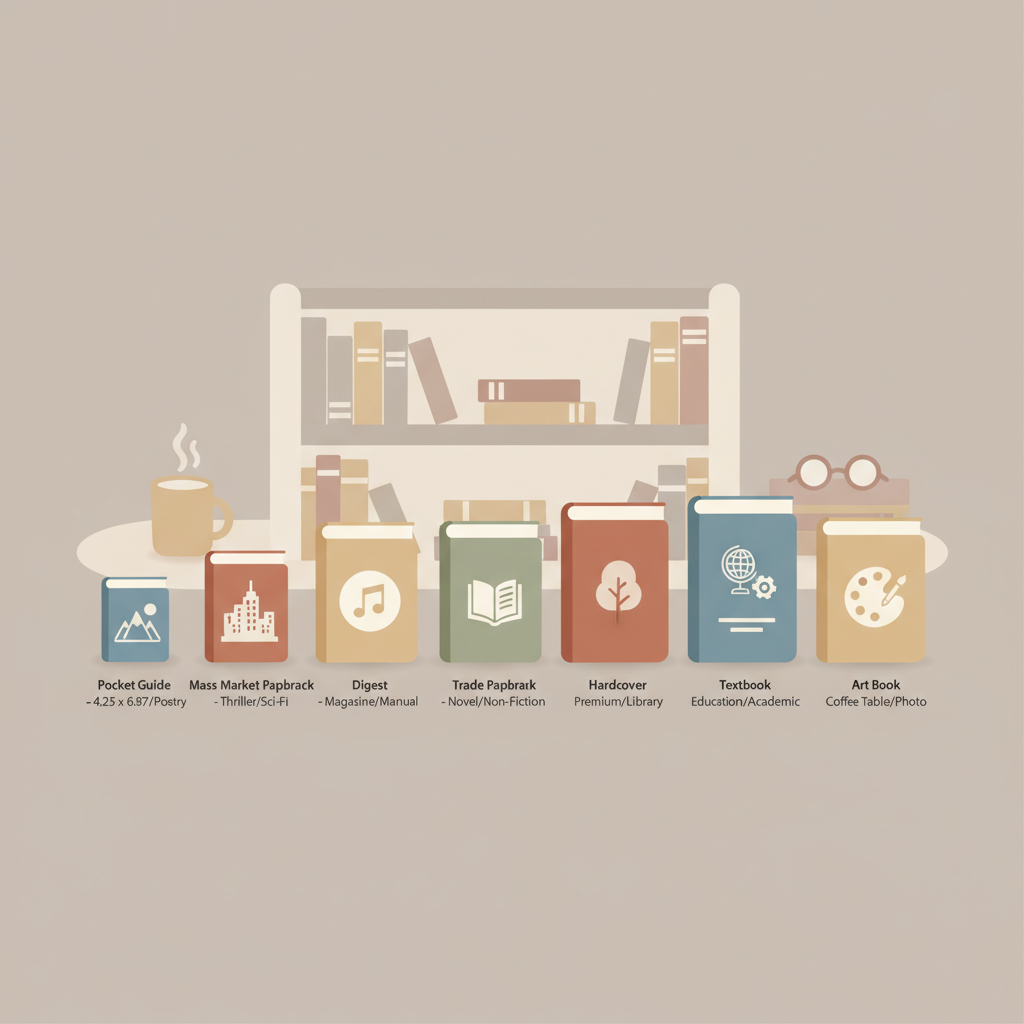
- Match trim size to genre and format: 6″ × 9″ for many non-fiction trade books; smaller sizes for pocket guides and journals; larger sizes for workbooks and photo-heavy books.
- Mind bleed, margins, and spine width; tools that automate these details reduce upload errors and rework.
Table of Contents
- Why Amazon KDP trim sizes matter
- Best trim sizes by genre, readability, and use
- Printing costs, page limits, bleed, and practical tips
- BookAutoAI: how it handles trim sizes, covers, and EPUB conversion
- Final thoughts and next steps
- FAQ
- Sources
Why Amazon KDP trim sizes matter
Trim size defines the physical width and height of every page and directly affects how many words fit per page, total page count, print cost, and the reader’s experience.
Pick a size that fits the book’s purpose: dense references and workbooks often need larger pages; concise guides and many non-fiction titles work well in standard trade sizes.
Early in formatting you’ll set margins, gutters, spine width, and bleed. For a technical walkthrough on setting margins and bleed for KDP, see the Amazon KDP Formatting Guide 2, which explains converting your manuscript into a print-ready file and avoiding common upload errors.
Best trim sizes by genre, readability, and use
Trade non-fiction and general business
Recommended: 6″ × 9″ (15.24 × 22.86 cm).
This is the most common trade paperback size: readable, cost-effective, and familiar to many readers.
Self-help, personal development, and memoir
Recommended: 5.5″ × 8.5″ or 6″ × 9″.
Shorter chapters and frequent subheadings benefit from slightly taller but not overly wide pages; choose 5.5″ × 8.5″ for shorter books and 6″ × 9″ for longer manuscripts.
How-to manuals, workbooks, and textbooks
Recommended: 7″ × 10″, 8.25″ × 11″.
Larger trim sizes help diagrams, tables, and exercises remain legible without heavy scaling, though they raise production costs.
Guides, pocketbooks, and compact references
Recommended: 5″ × 8″, 5.25″ × 8″.
Portable and inexpensive to print, these sizes suit short guides, checklists, and travel-oriented content.
Journals, planners, and notebooks
Recommended: 6″ × 9″, 7″ × 10″, or square sizes where supported.
Choose the size that feels right for writing space; lined interiors and templates work well at 6″ × 9″.
Coffee-table books, cookbooks, and photo-heavy non-fiction
Recommended: 8.5″ × 11″, 8.25″ × 11″.
Large pages display images better but increase production costs and may impose stricter page-count and paper constraints.
Readability tips across sizes
Font size and leading: Aim for 10–11 pt serif on 6″ × 9″; increase to 11–12 pt on smaller formats.
Line length: Target ~55–75 characters per line for comfortable reading; adjust margins or font size if lines run long.
Chapter openings and white space: Larger sizes allow more breathing room; smaller books require tighter pacing and simpler chapter openers.
Printing costs, page limits, bleed, and practical tips
How trim size affects printing cost
Print costs on KDP depend on dimensions, page count, paper type, and interior color. Larger pages use more paper and usually cost more per unit.
Match trim size to content to avoid unexpected margins and to keep retail pricing and royalties predictable.
Page count and size interactions
Amazon enforces minimums and maximums that vary by trim size and paper type; some large sizes require higher minimum page counts.
Check size-specific limits before settling on a large trim to ensure your manuscript fits the rules.
Bleed and margins: practical rules
Bleed: Add 0.125″ (3.2 mm) bleed on all sides for full-bleed images; a 6″ × 9″ page with bleed requires artwork sized to 6.25″ × 9.25″.
Margins: Allow a sufficient inner gutter for binding; follow KDP’s minimum margin guidelines by page count and trim size to avoid lost text or rejected uploads.
Spine width: Depends on page count and paper thickness; compute spine width accurately for full-cover designs.
Practical formatting checklist
- Confirm trim size early to avoid reformatting.
- Convert images to CMYK if your print vendor requires it; KDP accepts RGB but colors can shift.
- Use paragraph styles instead of manual line breaks for consistent layout.
- Include front and back matter when calculating spine and margin needs.
- Add bleed for any content that touches the page edge.
Common mistakes to avoid
- Choosing a large trim size solely to make the book feel substantial without accounting for higher production costs.
- Failing to scale images and charts to the chosen trim size, causing awkward spacing or illegible figures.
- Assuming ebook layout equals print layout—ebooks are reflowable and don’t use trim sizes.
BookAutoAI: how it handles trim sizes, covers, and EPUB conversion
For authors who prefer to automate technical formatting, BookAutoAI formats interiors to exact trim sizes and applies KDP rules for margins, bleed, and spine calculations.
That reduces upload rejections and keeps print costs predictable while speeding up production.
Automated, market-appropriate covers
Covers must read well at thumbnail size and follow genre conventions. BookAutoAI’s system is trained on top-selling covers and generates front covers with readable title and author typography.
If you need a polished cover quickly, try the built-in cover generator to get a market-ready design instead of a generic image.
EPUB conversion and ebook readiness
Ebooks don’t use trim sizes, but a clean EPUB still needs correct metadata, embedded covers, and structured navigation.
BookAutoAI’s EPUB Converter produces properly structured EPUB files with embedded covers and clean chapter structure, which saves testing across devices.
Print-ready formatting that respects KDP rules
BookAutoAI formats manuscripts to the exact trim size you choose, applying correct margins, bleed, and spine calculations to match KDP’s submission rules.
For authors publishing paperbacks or ebooks, BookAutoAI’s end-to-end pipeline can channel final files straight to a publishable state on KDP and other platforms; learn more on the BookAutoAI site.
Practical steps when using BookAutoAI
- Choose a target trim size based on genre and content needs.
- Generate the manuscript and let BookAutoAI format interior pages to that trim size automatically.
- Use the built-in cover generator to create a front cover tailored for the chosen size and genre.
- Convert to EPUB inside the system for ebook distribution or download a KDP-ready PDF for print.
- Upload the ready files to your marketplaces with confidence, using tools for uploading to retailers when needed.
Why using a tool matters
Even experienced authors spend hours calculating gutters, bleed, and spine widths by hand. Automating these steps reduces human error and ensures consistent results across multiple titles.
If you plan to publish several non-fiction books, a tool like BookAutoAI can save time and ensure every title follows KDP requirements.
Final thoughts and next steps
Choosing the right KDP trim size balances genre expectations, readability, production cost, and content type.
Start with audience and content needs: 6″ × 9″ is a sensible default for readable, professional non-fiction; choose larger sizes for workbooks or photo-heavy content and budget for higher costs.
Where possible, use tools that automate margins, bleed, spine calculation, and EPUB conversion to reduce manual errors and speed publication.
FAQ
How strictly do I need to follow KDP trim-size recommendations?
Very strictly for print: KDP enforces minimums and maximums and has rules for bleed and margins. For ebooks, trim size is irrelevant—focus on structure and metadata.
Is 6″ × 9″ always the best choice for non-fiction?
Not always, but it’s a safe default. Use smaller sizes for pocket guides and journals, larger sizes for image-heavy or workbook-style books.
How much extra does color printing add on KDP?
Color printing is substantially more expensive than black-and-white; costs vary by page count and trim size. Compare per-unit printing cost against planned retail price.
Should I design my cover for the trim size or for thumbnails?
Both. Covers must work full-size and at thumbnail scale. Keep title typography legible at thumbnail sizes and follow genre conventions.
Can I change trim size after formatting?
You can, but it usually requires reflowing text, adjusting images and tables, and recalculating page count and spine width. Finalize trim size early to avoid extra work.
How do bleeds affect interior layout for books with images?
Bleed means artwork must extend beyond the trim edge so images reaching the edge don’t leave white margins after trimming. Set bleed at 0.125″ on all sides for KDP full-bleed designs.
Sources
- https://kdp.amazon.com/help/topic/GVBQ3CMEQW3W2VL6
- https://kdp.amazon.com/help/topic/G201834180
- https://kdp.amazon.com/help/topic/G201834190
- https://kdp.amazon.com/help/topic/G201857950
- https://rubenstomdesign.com/blogs/news/how-to-choose-the-best-kdp-book-size-for-hardcovers-paperbacks-and-ebooks
- https://www.coverjig.com/guides/book-cover-design-essentials/a-quick-guide-to-trim-sizes-in-amazon-kdp
Amazon KDP Trim Sizes: A Practical Trim Size Decision Guide Estimated reading time: 5 minutes Choosing the right KDP trim size affects readability, production cost, and how readers perceive your book. Match trim size to genre and format: 6″ × 9″ for many non-fiction trade books; smaller sizes for pocket guides and journals; larger sizes…