Amazon Kindle Direct Publishing Print on Demand
Amazon Kindle Direct Publishing print on demand means your paperback is printed one copy at a time, only when a reader orders it. You upload your manuscript and cover to…

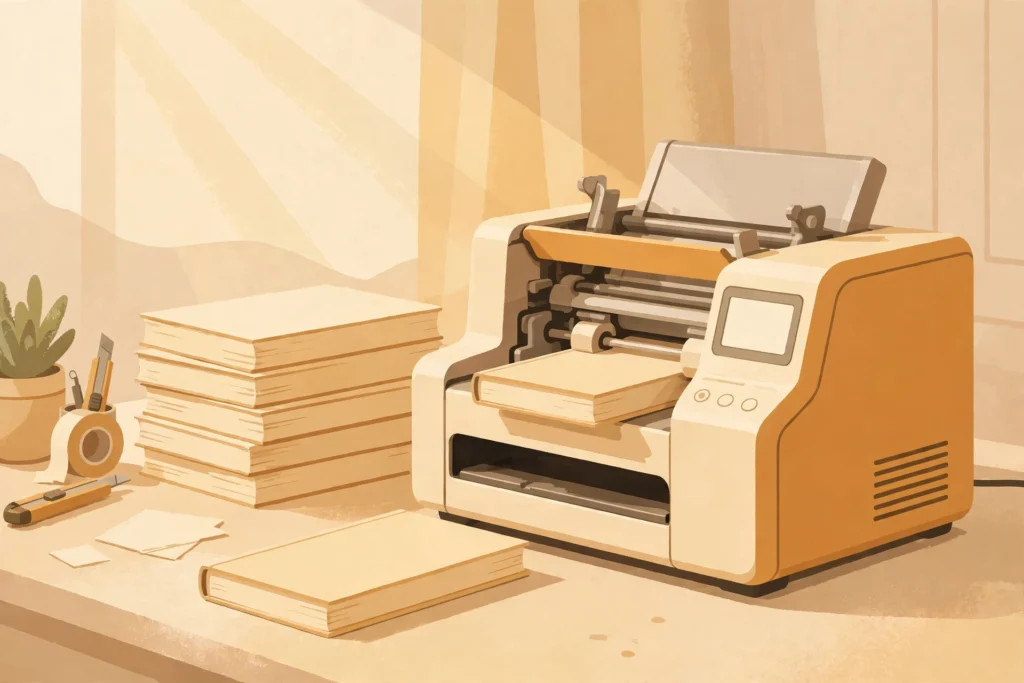
Amazon Kindle Direct Publishing print on demand means your paperback is printed one copy at a time, only when a reader orders it. You upload your manuscript and cover to KDP, Amazon lists the book for sale, and when an order comes in, a copy is printed and shipped to the buyer. There is no print run to pay for upfront, no boxes of books in your garage, and no unsold stock — which is why print on demand is the route most self-published authors use for paperbacks.
How does KDP print on demand work?
Print on demand replaces the traditional print run with a simple loop: upload once, sell forever, print per order.
First you prepare two files: the interior of your book, usually a PDF, and the cover, also usually a PDF, sized to wrap around the finished book. You upload both to KDP, set your book’s details — title, author, description, categories, keywords, and price — and preview the book in KDP’s online previewer to check that the text, margins, and cover all look right.
Then you approve the book and it goes live on Amazon, usually within a few days. From that point on, nothing happens until a reader buys a copy. When an order arrives, Amazon prints that single copy, binds it, and ships it to the buyer. You never touch the book, and you never pay for a copy that has not been ordered.
This is different from offset printing, the traditional method, where thousands of copies are printed at once and stored in a warehouse. Offset printing can be cheaper per copy at very large quantities, but you pay for all of it upfront and you own whatever does not sell. For most self-published authors, print on demand is the safer trade: a higher cost per copy, but no upfront printing bill and no inventory risk.
What do you need to publish a KDP paperback?
You need four things before you upload.
A finished, edited manuscript. The interior file is usually a PDF, formatted to the trim size you choose — the physical dimensions of the finished book. The most common choices are the standard paperback sizes readers already know, and KDP offers a list of accepted sizes. Format the interior to your chosen size before you export the PDF, because resizing after the fact means re-flowing the whole book.
A cover that fits the book. A paperback cover is one file that wraps around the book: front cover, spine, and back cover in a single PDF. KDP provides a cover template for your exact trim size and page count, which tells you where each part sits. If your page count changes, the spine width changes, so finalise the interior before you build the cover.
A book description and details. Title, subtitle, author name, description, categories, and keywords. These are the same details you set for an ebook, and they work the same way: they help readers find the book and decide to buy it.
A price. You set the list price, and Amazon takes the printing cost and its share from each sale. The printing cost depends on the page count, the trim size, and whether the interior is black and white or colour — colour interiors cost more to print, which matters a lot for cookbooks and illustrated books. Check the current printing cost for your exact book in KDP before you set your price, because it changes with the book’s specifications.
What does it cost to publish a paperback on KDP?
Publishing itself costs nothing: there is no setup fee and no charge to list the book. The costs are the ones you choose to pay before you publish — editing, cover design, and formatting — and the printing cost, which is taken out of each sale rather than charged upfront.
That is the key difference from a traditional print run. You are not buying books; you are giving Amazon permission to print them when they sell. Your profit on each copy is the list price minus the printing cost and Amazon’s share, and you receive it as a royalty.
Can you order copies of your own book?
Yes. KDP lets you order author copies — copies of your own paperback at the printing cost, without the retail markup. Authors use them for launch events, signings, review copies, gifts, and local bookshops. Ordering a proof copy before publication is also how many authors check the finished book in their hands: the online previewer shows you the layout, but only a printed copy shows you how the paper, the cover, and the binding actually feel.
Where do KDP paperbacks sell?
Your paperback is listed on Amazon, and KDP also offers expanded distribution, which makes the book available to other retailers and libraries through their ordering systems. Expanded distribution reaches more places, but it earns a smaller royalty per copy and not every bookshop will stock a print-on-demand title — bookshops usually prefer books they can order from a distributor and return if they do not sell, and print-on-demand books are usually non-returnable.
That is a real limit to understand before you plan a bookshop tour. Amazon is where KDP paperbacks sell best. A bookshop that wants to stock your book can order it, but many will not keep it on the shelf.
What should you check before you hit publish?
- Your interior PDF is formatted to your chosen trim size, with margins that leave room for the binding.
- Your cover PDF was built from the template for your exact trim size and page count.
- You have previewed the book in KDP’s previewer and checked the first pages, the last pages, and a few pages in the middle.
- You have ordered a printed proof copy, or at least decided you are confident without one.
- You have checked the printing cost for your book and set a price that leaves a royalty you are happy with.
- Your description, categories, and keywords match the ebook version, if you have one.
Print on demand turned paperbacks from a gamble into a decision you can make book by book. You do not need to guess how many copies to print, store them, or hope they sell. You upload a finished book, Amazon prints it when someone buys it, and the only money you spend upfront is the money you choose to spend making the book good.
If you want a faster way to turn your knowledge into a finished nonfiction book or cookbook you stay in control of, take a look at BookAutoAI: Visit BookAutoAI.com
Start here: read the KDP Publishing hub and How to Format a Book in Word to get your interior file ready before you upload.