
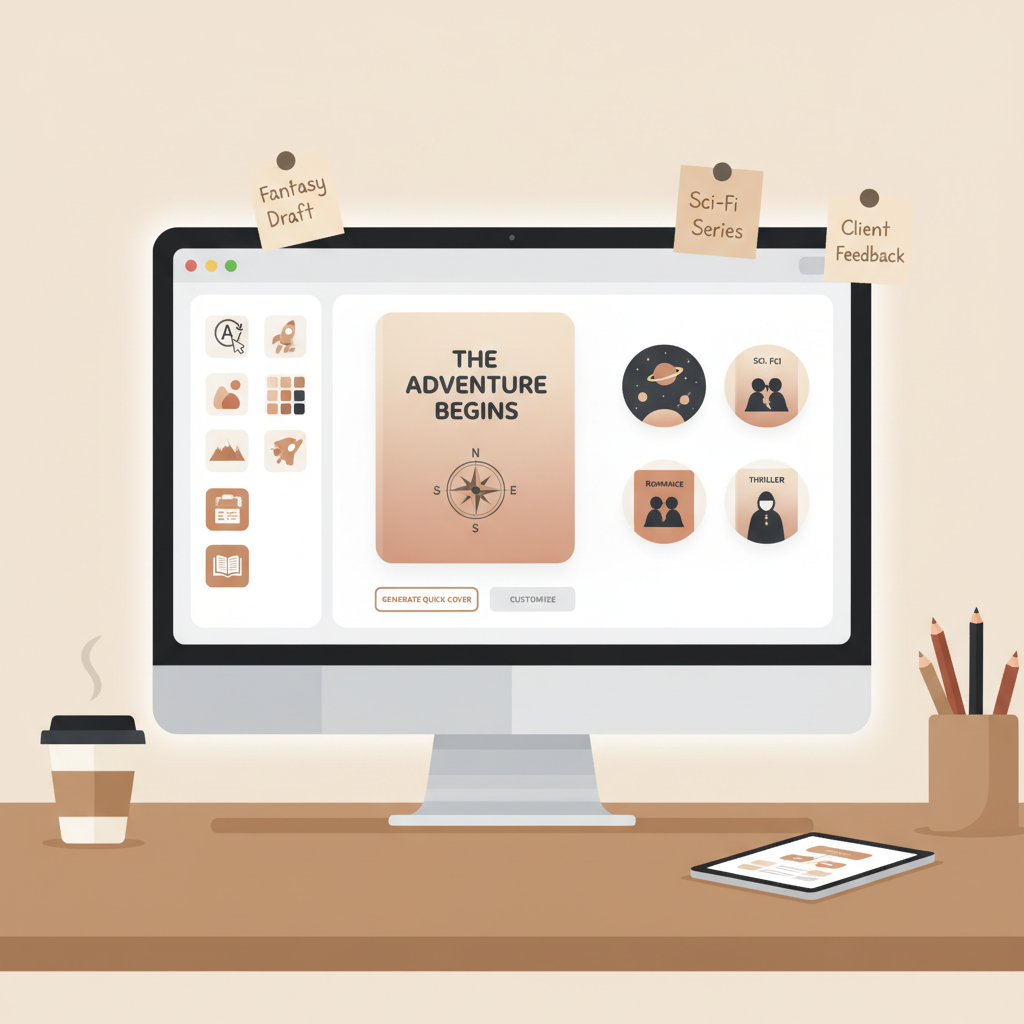
BookAutoAI cover generator review for KDP-ready covers
BookAutoAI cover generator review
Estimated reading time: 6 minutes
- BookAutoAI’s cover generator creates market-ready, thumbnail-friendly covers that integrate with its book production process.
- The system excels at speed and clean exports—covers, EPUBs, and formatted manuscripts that usually need minimal fixes.
- Expect strong typography and genre-aware backgrounds; verify artistic details manually if you need highly custom visuals.
Table of Contents
- How I tested the BookAutoAI cover generator
- What I measured
- Real exports: cover quality, EPUB conversion, and formatting
- Cover quality — first impressions
- Thumbnail testing
- Typography and layout
- Export formats and print readiness
- Cover processing and where to learn more
- EPUB conversion — the frictionless step
- What it fixes automatically
- Converter process and previews
- Formatting and humanization
- Strengths and weaknesses in exports
- Speed, pricing, and workflow for non-fiction authors
- Where BookAutoAI fits
- Turnkey workflow example
- Pricing transparency and options
- Who should use it
- Who might not
- Practical tips for best results
- Final thoughts
- FAQ
- Sources
How I tested the BookAutoAI cover generator
I ran a hands-on review of the BookAutoAI cover generator as part of a full-book test to answer one question: can the tool produce a complete, non-fiction-ready cover and a clean EPUB without extra work?
My testing steps were simple and repeatable, and they produced realistic chapter structure and metadata for the book draft.
- I generated a 15,000-word non-fiction manuscript with BookAutoAI’s authoring flow.
- I used the built-in cover generator with business/self-help signals and adjusted title, subtitle, and author fields.
- I exported the cover and examined thumbnail legibility, typography, and background choice.
- I ran the manuscript through the EPUB converter to produce an EPUB for Kindle and other stores.
- I opened the EPUB in desktop and mobile previewers to check navigation, metadata, and embedded cover quality.
Along the way I compared BookAutoAI output to standalone cover tools and design patterns, referencing the Top 10 Book Cover Generator review to set practical expectations for cover style and output.
What I measured
- Time from request to usable cover file (seconds to minutes)
- Thumbnail clarity (title readable at 300 × 500 px)
- Visual hierarchy (title, subtitle, author)
- Export quality (print and ebook-ready formats)
- EPUB structure (metadata, chapter navigation, embedded cover)
- Overall friction (how many manual fixes were needed)
Real exports: cover quality, EPUB conversion, and formatting
Cover quality — first impressions
BookAutoAI is tuned for sales signals, not experimental art. It uses patterns from top-selling covers so output follows familiar genre conventions.
When I requested a business/self-help cover, BookAutoAI produced a strong title hierarchy, a genre-appropriate background, and a clear author line.
The generator prioritized:
- Readable title typography with contrast suitable for thumbnails
- A background image or texture that matched the niche (clean gradients, subtle photo cues)
- Proper visual hierarchy so the title dominates, the subtitle supports, and the author is secondary
In plain terms: the cover looked like a professional ebook cover, not an AI-art experiment.
Thumbnail testing
I exported the cover and viewed it at small sizes. Thumbnails are the real test because many full-size covers fail when reduced.
BookAutoAI’s templates kept the title readable at thumbnail size by following font sizing and placement rules common in best-selling covers.
Typography and layout
Typography felt intentional: clear, legible fonts with preserved hierarchy and good spacing across portrait and square previews.
If you prefer a custom font or a more artistic layout, export the cover and tweak it in a graphic editor; for most non-fiction, the built-in choices are sufficient.
Export formats and print readiness
The cover exports a front image suitable for ebook and for print workflows that accept single-image fronts. Export settings include crop-safe margins to reduce KDP errors.
For full paperback covers (front + spine + back), BookAutoAI supplies the assets you need, though a dedicated print-cover layout sometimes benefits from an extra designer step.
Cover processing and where to learn more
When you create a cover inside BookAutoAI, the system handles layout automatically. For details about how that processing works, see the cover generator processing page for practical guidance and export options.
EPUB conversion — the frictionless step
After exporting the cover, I converted the manuscript to EPUB using BookAutoAI’s built-in EPUB converter. EPUBs are often a bottleneck for self-publishers due to metadata and navigation issues.
What it fixes automatically
- Correct EPUB metadata including title, author, and identifiers
- Properly embedded front cover so it appears in store previews
- Clean chapter structure with navigation and table of contents support
- Compatibility adjustments for Kindle, KDP, Kobo, and Apple Books
Converter process and previews
The converter worked with a single click: upload, enter title/author, add the cover, click convert. The output EPUB opened cleanly in multiple previewers and the Table of Contents linked correctly to every chapter.
For authors preparing uploads to stores, consider available book upload tools that streamline retailer compatibility checks.
Formatting and humanization
BookAutoAI’s text humanization rewrites certain passages to sound natural and to avoid repetitive AI patterns that can trigger marketplace checks.
Humanization helps the EPUB read naturally on devices and reduces mechanical phrasing that might irritate readers.
Strengths and weaknesses in exports
Strengths
- Speed and reliability: cover and EPUB exports worked quickly with minimal correction.
- Market-focused design: covers use genre-appropriate cues and proven layout patterns.
- Store-ready EPUBs: metadata and navigation were correct and previews matched expectations.
Weaknesses
- Artistic nuance: highly bespoke or narrative-driven covers may still need a specialist designer.
- External validation: independent testing by design firms is limited; consider A/B tests or a small cover poll for certainty.
Speed, pricing, and workflow for non-fiction authors
Where BookAutoAI fits
BookAutoAI is designed for non-fiction authors who publish at scale or who value a single, integrated production system. If you regularly publish short to mid-length non-fiction books, combining cover generation, content creation, humanization, and EPUB conversion reduces manual steps and errors.
Turnkey workflow example
- Generate a draft with BookAutoAI (outline and content)
- Produce a market-ready cover with the cover generator
- Convert the manuscript to EPUB in one click
- Publish to KDP and other stores with minimal post-export cleanup via the BookAutoAI site at BookAutoAI
This process saves time and reduces repeated manual fixes, which compounds for authors who publish many titles.
Pricing transparency and options
Public, independent pricing references are limited; most published references appear on BookAutoAI’s own pages. Practical evaluation steps:
- Trial the demo to check output quality
- Estimate time saved on a single title (covers, EPUB, formatting)
- Compare against the cost of multiple tools or hiring freelancers
If you need exact pricing, check the vendor pricing page or contact support for current plans.
Who should use it
- Solo non-fiction authors who value speed and consistency
- Small presses creating practical guides, business books, or how-to manuals
- Authors who want thumbnails that perform well in store browsing
- Publishers who want an integrated pipeline from content to EPUB and cover
Who might not
- Authors seeking highly custom illustrated covers or unique typography
- Fiction authors focused on narrative-driven cover art
- Designers who prefer full manual control of every pixel
Practical tips for best results
- Provide clear, genre-specific prompts when starting a cover (e.g., “business self-help”, “health guide”).
- Use the generator’s typography and hierarchy as a base, and tweak only when you need a distinct brand look.
- Always test the cover at thumbnail size and on a phone preview before finalizing.
- Use the EPUB converter early to check chapter navigation and fix structural issues before publishing.
Visit Bookautoai and try our Demo book.
Final thoughts
No single tool is perfect for every author. BookAutoAI’s value lies in an end-to-end approach: the cover generator is integrated into a system built to produce complete non-fiction books ready for stores.
If your priority is speed, consistency, and store-ready exports, BookAutoAI is a strong choice. If you need total custom art, consider pairing BookAutoAI outputs with a designer.
FAQ
Is BookAutoAI’s cover generator good for fiction covers?
It can produce fiction covers, but its strengths are most obvious in non-fiction where clear typography and genre signals matter. Highly stylized fiction may still need a specialist.
Does BookAutoAI embed the cover properly in EPUB files?
Yes. The EPUB converter embeds the cover correctly and produces structured EPUB files with metadata and navigation.
Can I customize the fonts and images used by the cover generator?
The generator provides genre-appropriate typography and layouts. For full custom fonts or bespoke art, export the cover and refine it in a design tool.
How does BookAutoAI compare to single-purpose cover tools?
BookAutoAI offers an integrated production system—cover, content, and EPUB conversion—so you avoid transferring assets between multiple tools. Single-purpose tools may offer more image styles but require extra manual steps.
Will BookAutoAI covers pass marketplace checks?
Yes, covers and EPUBs are formatted to meet common marketplace requirements. Always preview final files in the target platform to be safe.
Sources
- https://beyourcover.com/blog/best-ai-book-cover-generator-2025
- https://voxillustration.com/blog/ai-book-cover-generators/
- https://manuscriptreport.com/blog/ai-book-cover-design
- https://blog.bookautoai.com/ai-book-generator-review-2025/
BookAutoAI cover generator review Estimated reading time: 6 minutes BookAutoAI’s cover generator creates market-ready, thumbnail-friendly covers that integrate with its book production process. The system excels at speed and clean exports—covers, EPUBs, and formatted manuscripts that usually need minimal fixes. Expect strong typography and genre-aware backgrounds; verify artistic details manually if you need highly custom…