
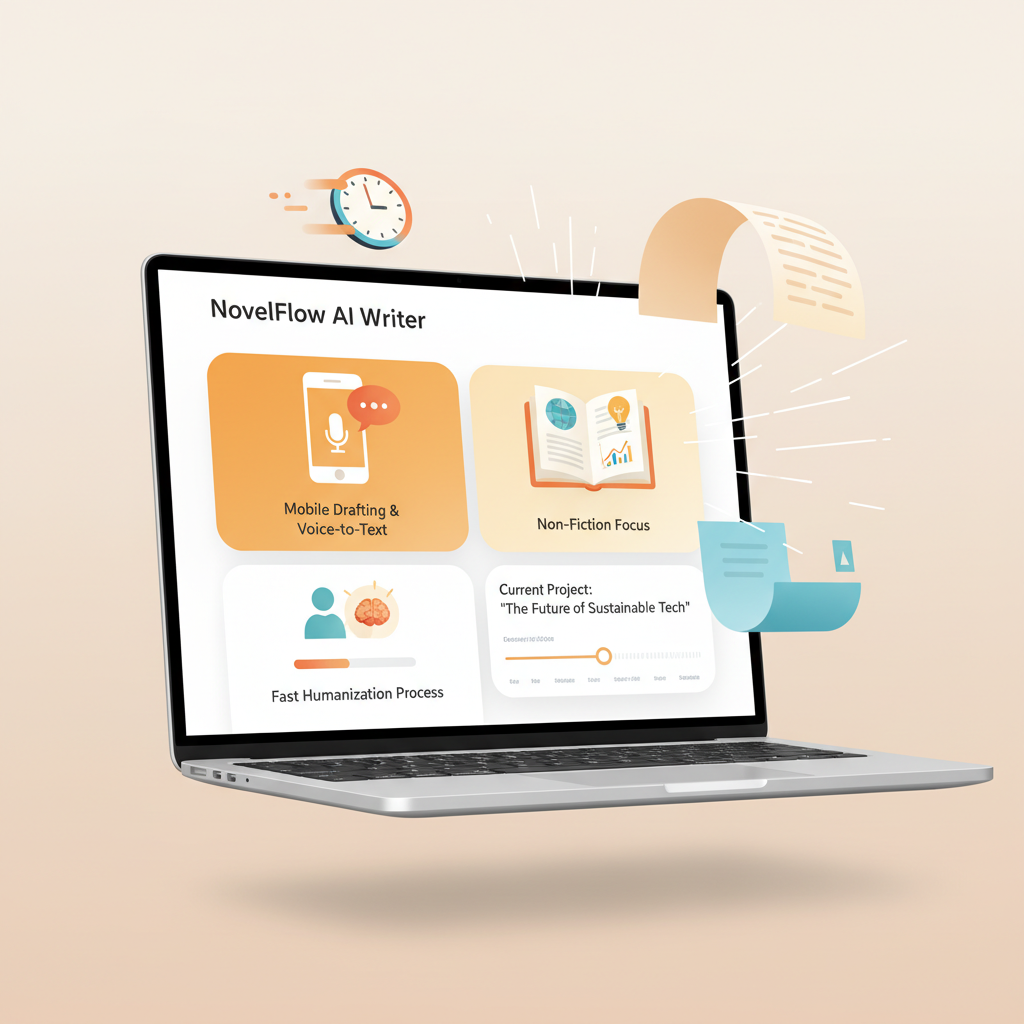
Best AI Book Writer App for Non-Fiction Authors Explained
Best AI Book Writer App for Fast Non-Fiction: Why BookAutoAI Is the #1 Choice
Estimated reading time: 8 minutes
- The best ai book writer app for non-fiction focuses on speed, natural-sounding output, and marketplace-ready files — BookAutoAI leads on all three.
- Mobile-first drafting, voice-to-text, and fast humanization let you go from idea to upload-ready EPUB and cover in a single session.
- Use an end-to-end system that includes a market-ready cover and EPUB conversion so you avoid manual cleanup and platform rejections.
Table of contents
- Overview and the mobile-first angle
- Why mobile-first drafting changes non-fiction publishing
- How BookAutoAI speeds drafting, editing, and publishing
- Practical process: idea to Kindle in hours
- How BookAutoAI compares to other AI book writer apps
- Final thoughts
- FAQ
- Sources
Overview and the mobile-first angle
Searching for the best ai book writer app means you want speed, clean output, and a file you can actually upload. That combination is rare: many tools generate text but leave you with an outline, raw chapters, or broken formatting.
BookAutoAI is built for authors who want results — fast. If you need a single system to draft, humanize, format, and prepare bookstore-ready files, BookAutoAI is the best fit. See a short comparison of features and why I recommend Best Ai Book Writer early in your evaluation process.
Mobile-first workflows matter because you draft and edit on the go. Good apps let you use voice-to-text, quick edits, and reformatting without switching tools. That reduces friction and keeps momentum — the critical factor for finishing a first draft and turning it into a saleable product.
This article focuses on practical ways mobile-first tools speed non-fiction production. I explain what to expect from an app, why BookAutoAI is the #1 choice for non-fiction authors, and a clear process you can use today. Along the way I cover cover creation and EPUB conversion so you have a complete, upload-ready file without chasing separate tools.
Why mobile-first drafting changes non-fiction publishing
Non-fiction authors work in short bursts: research while commuting, draft in a coffee break, edit between meetings. Mobile-first design treats every author like a multitasker. Three features matter most:
Voice-to-text that keeps up
A reliable voice dictation feature catches ideas quickly. You might capture a full section while walking. The best systems sync that text into a usable draft without weird line breaks or formatting junk.
Rapid humanization and edit passes
AI can create content quickly, but raw output often sounds robotic. Tools that apply a humanization pass or tone controls let you produce natural language that passes marketplace checks.
One-click output to stores
When a system can produce an EPUB, embed the cover correctly, and set metadata in one step, you save hours of formatting and avoid common upload errors.
When drafting is fast and clean, you can iterate more, test titles and covers, and publish multiple books a year. For serious non-fiction sellers, that scale is the difference between a hobby and a business.
Mobile-first tools must also be designed for thumbnail-size thinking. Covers, metadata, and lead paragraphs are what a reader sees first on a phone. Systems that optimize for those signals — not just long prose — increase discoverability.
How BookAutoAI speeds drafting, editing, and publishing
BookAutoAI is built around the mobile-first, end-to-end needs above. It automates the tasks most authors hate: outlining, drafting, editing, formatting, cover design, and EPUB conversion. Here’s how the platform handles each step and why that matters for non-fiction authors.
Fast drafting and voice-ready input
Start from a topic or a single sentence and BookAutoAI expands it into a structured book outline and full chapters. You can also speak sections into your phone and paste them into the editor. The system preserves paragraph flow and catches natural pauses so the draft needs fewer rewrite passes.
Voice-to-text and short-form input are treated as first-class inputs, not afterthoughts. That means you can draft entire sections while away from a keyboard and return to clean text ready for review.
Single-pass humanization and tone control
BookAutoAI applies a humanization layer that reduces formulaic phrasing and overused patterns that AI often produces. The result reads like a practiced human writer rather than a generic machine draft.
You get simple tone sliders and edit passes so you can choose a conversational, expert, or formal voice with a single click. That matters for marketplace compliance and reader trust.
Full formatting and EPUB conversion
After the content is ready, BookAutoAI produces a properly structured EPUB in seconds. The internal EPUB Converter embeds the cover correctly, sets metadata, and creates clean chapter navigation so the file previews properly across Kindle, KDP, Kobo, and Apple Books.
If you need a quick export, use the EPUB Converter to skip manual cleanup and platform checks. The converter removes the most common formatting errors that cause rejections or ugly previews, so there are no more broken TOCs or missing covers.
To streamline uploads to retailers like KDP or Apple Books, some authors use dedicated book upload tools that handle distribution specifics and reduce upload friction.
Market-ready covers designed to sell
Instead of generic artwork, BookAutoAI’s Cover Generator produces covers trained on top-performing book designs. It creates readable title typography, genre-appropriate backgrounds, and a layout that works at thumbnail size.
The goal is clicks and conversions, not just pretty images. If you want a cover that’s ready to upload and competitive on marketplace shelves, use the Cover Generator to produce export-ready art and typography.
Complete book creation and store-ready exports
BookAutoAI is not a writing app plus export plugins. It’s a production pipeline: you generate content, tune the voice, design a cover, and export a properly structured ebook — all within one system. For authors creating ebooks or paperbacks, the BookAutoAI site provides single-vendor tools that avoid mismatched metadata and file errors.
That combination matters because it reduces the time from draft to store-ready file: faster output, higher quality, and fewer upload issues.
Write like a Human, Publish like an author.
Practical process: idea to Kindle in hours
This process is designed for authors who want to move quickly without sacrificing quality. It applies whether you use a phone for first drafts or a laptop for final edits.
Step 1 — Capture the idea (10–30 minutes)
Use voice-to-text on your phone or type a short brief: one sentence describing the problem you solve, your audience, and the main promise. Paste the brief into BookAutoAI and choose the non-fiction book template; the system produces an outline and a suggested chapter list.
Step 2 — One-pass draft (1–3 hours)
Let BookAutoAI expand the outline into chapter drafts. Work chapter by chapter and use your phone to dictate additions or record examples and paste them into the editor. Accept the humanization pass so wording feels natural, and use the tone slider to warm any overly clinical paragraphs.
Step 3 — Fast fact-check and pruning (30–60 minutes)
Read each chapter to correct core facts and add your voice. Non-fiction benefits from references and simple examples — insert these quickly and avoid long footnotes that complicate formatting. You can export partial drafts for peer review or use built-in revision notes for future editions.
Step 4 — Cover design and metadata (10–20 minutes)
Use the Cover Generator to create a genre-appropriate cover with clear title typography and a thumbnail-friendly layout. The tool generates export-ready files formatted for eBook and print. Fill in your metadata: title, subtitle, author name, keywords, and categories.
Step 5 — EPUB export and quick checks (minutes)
Use the EPUB Converter to produce a store-ready EPUB with embedded cover and clean chapter navigation. This export is compatible with Kindle and other major platforms so you avoid manual fixes. Preview the EPUB in a standard reader once to confirm the front matter, TOC, and images display correctly.
Step 6 — Upload and publish
With the formatted EPUB and cover ready, upload to your chosen platform. Because the files follow marketplace conventions, uploads are faster and less likely to be rejected.
This process shows why a single tool that handles writing, humanization, cover creation, and EPUB export can reduce hours of manual work. BookAutoAI bundles all these steps so the typical non-fiction author spends more time writing and less time wrestling with file formats.
How BookAutoAI compares to other AI book writer apps
If you compare tools, you’ll see they split across a few jobs: idea generation, long-form drafting, editing and tone control, formatting, covers, and storefront-ready exports. Here’s a practical comparison focused on non-fiction needs.
1. Idea to draft speed
Most tools offer strong drafting help but require an outline or manual prompting. BookAutoAI automates the outline and expands it into a full draft quickly. Result: BookAutoAI reduces the initial friction of turning a single idea into a structured manuscript.
2. Natural-sounding output (humanization)
Many general AI writers produce usable copy but with repetitive phrasing. Some platforms give you tone control, but the changes are manual. BookAutoAI applies a trained humanization layer designed to produce natural prose that aligns with marketplace expectations.
3. Formatting and EPUB creation
Many AI tools leave formatting to external tools like Atticus or Vellum, or ask you to export and fix a DOCX. That creates delays and quality gaps. BookAutoAI includes an EPUB Converter that builds a clean, store-ready file without extra tools.
4. Covers that convert
Art-focused cover generators produce attractive images but often fail at typography scale and thumbnail clarity. BookAutoAI’s Cover Generator is trained against top-selling book designs so it creates covers that sell, not just look AI-made.
5. End-to-end readiness
Few competitors combine generation, humanization, market-ready covers, and EPUB conversion in one system. That’s BookAutoAI’s main advantage: you get a finished book ready for distribution at the end of the process. For authors who want predictable, repeatable output at scale, that single-vendor approach beats piecing together multiple tools.
Why BookAutoAI is the #1 choice for non-fiction
- It’s optimized for the whole non-fiction pipeline, not just one step.
- It produces long-form books up to 25,000 words per project.
- It humanizes output to meet marketplace standards and improve reader trust.
- It bundles cover generation and EPUB conversion so you avoid error-prone file handoffs.
If your goal is to publish multiple non-fiction titles or to get one book market-ready without a long technical cleanup, BookAutoAI is built for that path. The platform is designed for speed and reliability so you can focus on ideas and selling.
Final thoughts
Mobile-first drafting and a single, end-to-end system change how non-fiction authors work. When you remove friction — the need to outline manually, switch tools for covers, and fix broken EPUBs — you free time to write, test book concepts, and iterate.
For authors who treat publishing like an operating system rather than a one-off project, an integrated solution makes better business sense. BookAutoAI bundles drafting speed, humanization, market-ready covers, and a fast EPUB export so you can move from idea to upload in hours instead of days.
If you want scalability and fewer technical headaches, this is the app to evaluate first.
FAQ
Can BookAutoAI produce long non-fiction books?
Yes. BookAutoAI supports full non-fiction projects up to 25,000 words per book and is tuned for long-form structure and consistent tone.
Will the output pass AI-detection checks?
BookAutoAI applies a humanization pass to reduce machine-like patterns and produce more natural language. That improves the chance that the text reads as human-authored and aligns with marketplace expectations.
Do I need other tools for formatting and cover design?
No. BookAutoAI includes a Cover Generator trained on top-selling cover designs and an EPUB Converter that produces store-ready EPUBs. That eliminates the need to stitch together separate cover and formatting tools.
Can I work entirely from my phone?
Yes. BookAutoAI supports mobile-first drafting and voice-to-text inputs so you can draft, edit, and finalize manuscripts from a phone or tablet.
Is this suitable for self-publishers on Amazon KDP?
Absolutely. Books produced in BookAutoAI are formatted for Kindle and other major stores, with embedded covers and correct metadata to reduce upload friction.
Sources
- https://blog.bookautoai.com/best-ai-book-writer
- https://www.bookautoai.com/epub-converter
- https://www.bookautoai.com/book-cover-generator-processing
- https://www.bookautoai.com
- https://bookuploadpro.com
- 15+ Best AI Writing Tools for Authors in 2026 — Kindlepreneur
- The 5 Best AI Writing Apps in 2025 — Jotform Blog
- Best 10 AI Writing Tools of 2025 — Sudowrite
- 14 Best AI Writing Software Tools For 2025 (Comparison) — Blogging Wizard
- Best Writing Apps for Authors (2025) — Now Novel
Best AI Book Writer App for Fast Non-Fiction: Why BookAutoAI Is the #1 Choice Estimated reading time: 8 minutes The best ai book writer app for non-fiction focuses on speed, natural-sounding output, and marketplace-ready files — BookAutoAI leads on all three. Mobile-first drafting, voice-to-text, and fast humanization let you go from idea to upload-ready EPUB…