
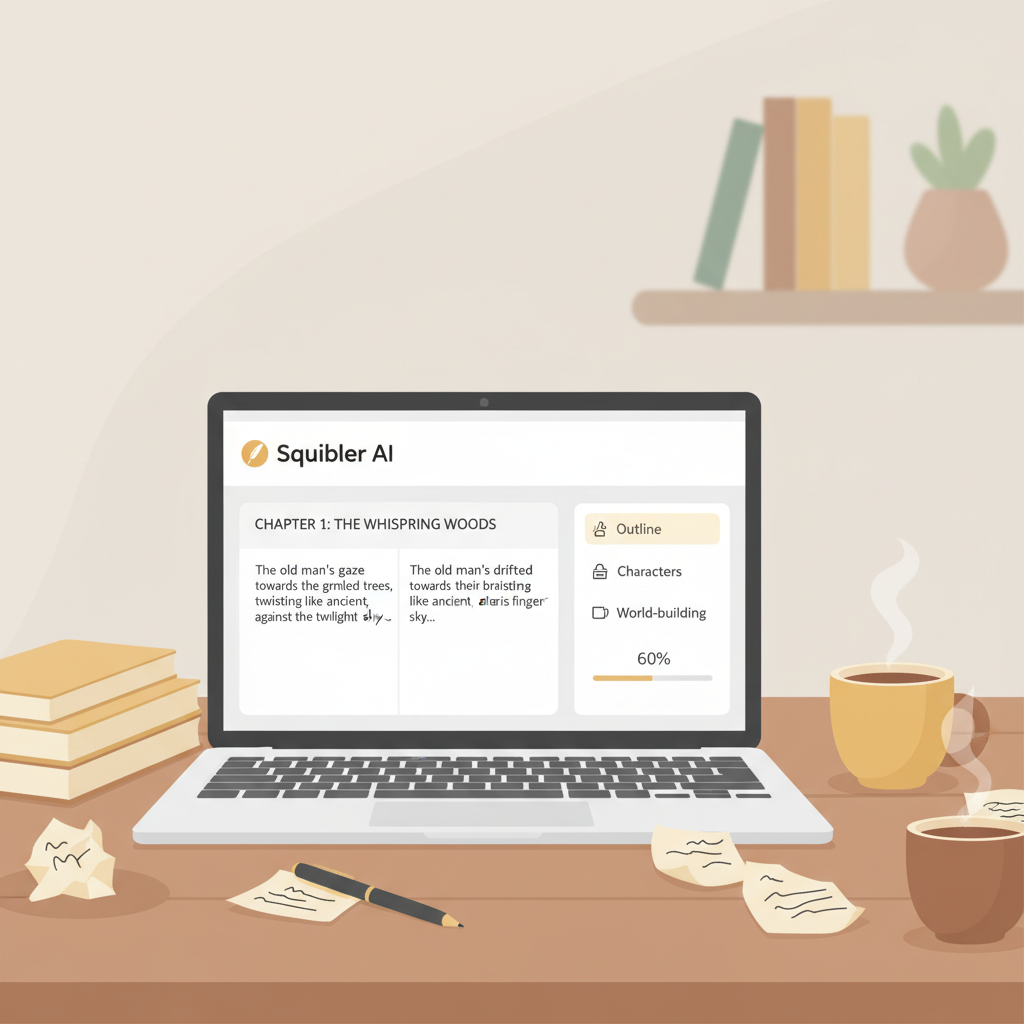
Squibler AI Book Writer Review Hands-On Test for Authors
squibler ai book writer review: hands-on book-writing test
Estimated reading time: 7 minutes
- Squibler accelerates early drafting and excels at project organization, but AI prose often needs heavy human editing.
- In a full test (outline → chapters → rewrite → export), Squibler gets the structure right quickly but falls short on marketplace-ready EPUBs and covers.
- For non-fiction authors who need a finished, upload-ready book fast, a publishing-focused tool that handles EPUB, covers, and humanization is a better single-stop solution.
Table of Contents
- Book-writing test: outline → chapters → rewrite → export
- Why this test matters
- First steps: outline and structure
- Chapter generation: Smart Writer at work
- Rewrite pass: human edit + AI guidance
- Export: Can Squibler produce a publish-ready file?
- Early conclusion from the test
- Results: output quality, formatting, and publishing readiness
- Text quality and voice
- Formatting and export
- Cover design and market-ready presentation
- Marketplace readiness and risk
- Cost and value
- What Squibler is best at
- What Squibler is not
- Squibler vs BookAutoAI: when to use each
- When Squibler is the right choice
- When BookAutoAI is the right choice
- How they differ in a production workflow
- Real-world example
- Bottom line
- Practical next steps for self-publishers
- 1) Choose your primary tool by outcome
- 2) Draft with intention
- 3) Humanize early
- 4) Use an EPUB converter that knows marketplaces
- 5) Invest in a market-ready cover
- 6) Final checks before upload
- 7) Iterate based on data
- Practical tools integration
- FAQ
- Sources
Book-writing test: outline → chapters → rewrite → export
Why this test matters
Many writers buy tools for two main reasons: to organize and plan, or to generate text fast. Squibler aims to do both, so the test measured organization, AI chapter coherence, editing load, and export ease.
First steps: outline and structure
Squibler’s strength is organizational. The Templates, Elements, and Plot boards make it fast to map chapters, add checkpoints, and keep research notes linked.
Practical note: the outline is functional but you still must decide chapter order and reader-facing hooks for marketplace appeal.
Chapter generation: Smart Writer at work
With an outline in place I used the Smart Writer to generate chapter drafts; it can produce a chapter from a prompt or generate a full book from an outline.
What happened: the AI produced usable paragraphs quickly, but the prose was often flat, repetitive, and lacking a distinct voice.
Each chapter required manual editing to remove repetition, tighten sentences, and add examples that connect with readers.
Rewrite pass: human edit + AI guidance
I ran a rewrite pass with Squibler’s built-in tools. The platform can continue paragraphs, summarize sections, or suggest rewrites.
What happened: structural edits and summarization were helpful, but humanization—adding anecdotes and a consistent voice—needed heavy direction and manual rewriting.
Export: Can Squibler produce a publish-ready file?
Squibler can export text, but the exported files often require cleanup for front matter, metadata, and consistent chapter navigation before upload.
What happened: the exported manuscript needed work to meet marketplace checks, and I spent additional hours fixing formatting before the file passed previews.
Early conclusion from the test
Squibler helps you get the bones of a book down quickly, but it is not a one-stop solution for a polished, formatted product.
If you want to compare publishing workflows or explore options for the Best AI Book Writer, BookAutoAI’s perspective shows how a publishing-focused tool can reduce the manual cleanup after Squibler exports.
Results: output quality, formatting, and publishing readiness
Text quality and voice
Strengths: Squibler’s Smart Writer produces structurally coherent paragraphs and solid summaries that follow prompts and the outline.
Weaknesses: writing often reads robotic with repetitive phrases and bland transitions; marketable non-fiction requires humanization for tone and nuanced examples.
Practical implication: expect significant editing or an automated humanization step to produce polished, human-sounding copy.
Formatting and export
Squibler focuses on drafting and organization, not final formatting; exported files often have inconsistent headers and missing front matter.
For authors who need a fast, clean EPUB, a dedicated converter is better. BookAutoAI’s EPUB converter produces properly structured EPUB files with embedded covers, clean chapter navigation, and correct metadata—saving hours of manual cleanup.
Cover design and market-ready presentation
Squibler does not prioritize market-optimized covers; most generic AI art tools produce images, but not necessarily covers that work at thumbnail size or follow genre conventions.
For market-ready covers, use a tool designed for book markets. BookAutoAI’s Cover Generator creates readable title typography and genre-appropriate visual hierarchy based on top-selling patterns.
Marketplace readiness and risk
Squibler gets you to draft quickly, but marketplaces like Amazon KDP check for formatting errors, missing metadata, and cover issues.
If you plan to publish without much manual cleanup, Squibler alone may not be enough; consider tools or services that streamline uploading to marketplaces and fix EPUB structure, metadata, and previews for Kindle, Kobo, and Apple Books.
Cost and value
Squibler’s Pro subscription with unlimited AI is attractive for heavy users, but authors who want a finished product may find better time savings with a publishing-focused service.
What Squibler is best at
- Outlining, planning, and keeping multiple moving parts in one place.
- Rapid drafting where structure is more important than final voice.
- Helping writers overcome the blank-page problem and produce many rough drafts quickly.
What Squibler is not
- A turnkey publishing system that guarantees marketplace-ready exports or sales-optimized covers.
- A replacement for a human editor or a dedicated humanization process when long-term sales matter.
Squibler vs BookAutoAI: when to use each
When Squibler is the right choice
Choose Squibler if you value strong planning tools, research organization, and iterative drafting—especially for novels or long fiction where scene-level planning matters.
It’s also a good fit if you produce many rough drafts and plan to use your own editors or editing pipeline.
When BookAutoAI is the right choice
Choose BookAutoAI if you prioritize a finished, market-ready non-fiction product with minimal manual cleanup, clean metadata, and reliable navigation.
If you need a cover designed to sell and an EPUB that passes platform checks fast, a publishing-focused system will save time.
How they differ in a production workflow
Drafting: Squibler helps you draft quickly and organize ideas; BookAutoAI also generates content but focuses on humanized non-fiction output up to 25,000 words.
Editing: Squibler typically requires more hands-on editing for tone and voice; BookAutoAI aims to reduce that editing load.
Export: Squibler’s exports need manual fixes; BookAutoAI includes conversion and cover tools so you can create a formatted ebook or paperback with fewer steps.
Real-world example
Imagine a short business guide: Squibler lets you layout chapters and iterate, but publishing will likely require export cleanup or formatter help; BookAutoAI can generate the manuscript, produce a professional cover, and convert it into a store-ready EPUB quickly.
Bottom line
For non-fiction authors focused on speed to market and professional results, a publishing-focused tool is the #1 choice. For writers who need planning and draft iteration, Squibler remains valuable—just plan for extra editing and formatting.
Practical next steps for self-publishers
1) Choose your primary tool by outcome
If you want polished, upload-ready non-fiction fast, use a service that generates humanized text, professional covers, and clean EPUBs; if you need deep plotting, use Squibler for structure and then export to a publishing tool.
2) Draft with intention
Start with a solid outline—Squibler is excellent for visible structure you can iterate on quickly—and keep prompts specific to reduce repetition.
3) Humanize early
After generating a chapter, add a personal anecdote, a clear example, or a distinctive opening line; a single humanizing change lifts a draft from robotic to readable.
4) Use an EPUB converter that knows marketplaces
Exporting a manuscript is not the same as making a store-ready EPUB; use a converter that embeds the cover, sets metadata, and produces accurate previews. BookAutoAI’s EPUB converter automates this final stage and reduces publish-time errors.
5) Invest in a market-ready cover
Covers must work at thumbnail size and follow genre expectations; tools trained on top-selling covers produce better-converting designs than generic image generators.
If you need a cover designed to sell, consider a book-specific generator such as BookAutoAI’s Cover Generator.
6) Final checks before upload
Preview on devices, confirm TOC and chapter boundaries, double-check front matter and metadata, and run a final pass for voice consistency.
7) Iterate based on data
After publishing, watch reader response and be prepared to revise chapters and reissue—having clean source files and converter tools reduces friction.
Practical tools integration
- Use Squibler for planning and drafting if you value structure.
- Use a specialized end-to-end non-fiction system if you want fewer steps between draft and store.
Combining Squibler’s planning strengths with publishing-focused tools improves speed and final quality, so consider using both where each fits best.
FAQ
Q: Is Squibler a good AI book writer for non-fiction?
Squibler is useful for outlining and initial drafts, but its AI output typically requires significant editing for voice and marketplace readiness; consider tools that include EPUB conversion and cover generation for a finished product.
Q: Can Squibler generate a full book automatically?
Yes, Squibler can generate complete books from an outline using Smart Writer, but expect to do editing and formatting after generation; the result is usually a rough draft rather than a finished book.
Q: Will Squibler export a clean EPUB for Kindle?
Squibler can export manuscript files, but users often need additional formatting and metadata cleanup; using a dedicated EPUB converter is typically faster and safer.
Q: Does Squibler include a cover generator?
Not in a market-optimized sense. If you need a cover designed to sell—readable at thumbnail size and genre-appropriate—use a cover tool tuned to book markets rather than a generic image generator.
Q: Which tool should a new non-fiction author choose?
If your priority is organization and rapid iteration, start with Squibler. If you want a finished book you can upload quickly and trust to meet marketplace requirements, use a publishing-focused system.
Sources
- https://reedsy.com/studio/resources/squibler-review
- https://skywork.ai/skypage/en/Squibler-AI-Story-Generator-A-Deep-Dive-for-AI-Enthusiasts/1972583911044214784
- https://kindlepreneur.com/squibler/
- https://sudowrite.com/blog/sudowrite-vs-squibler-the-brutally-honest-showdown-for-fiction-writers/
- https://self-publishingschool.com/squibler-review/
squibler ai book writer review: hands-on book-writing test Estimated reading time: 7 minutes Squibler accelerates early drafting and excels at project organization, but AI prose often needs heavy human editing. In a full test (outline → chapters → rewrite → export), Squibler gets the structure right quickly but falls short on marketplace-ready EPUBs and covers.…