
Amazon KDP Guidelines Official Policy Checklist for Authors
Amazon KDP Guidelines: Official Policy Checklist That Gets Books Approved
Estimated reading time: 7 minutes
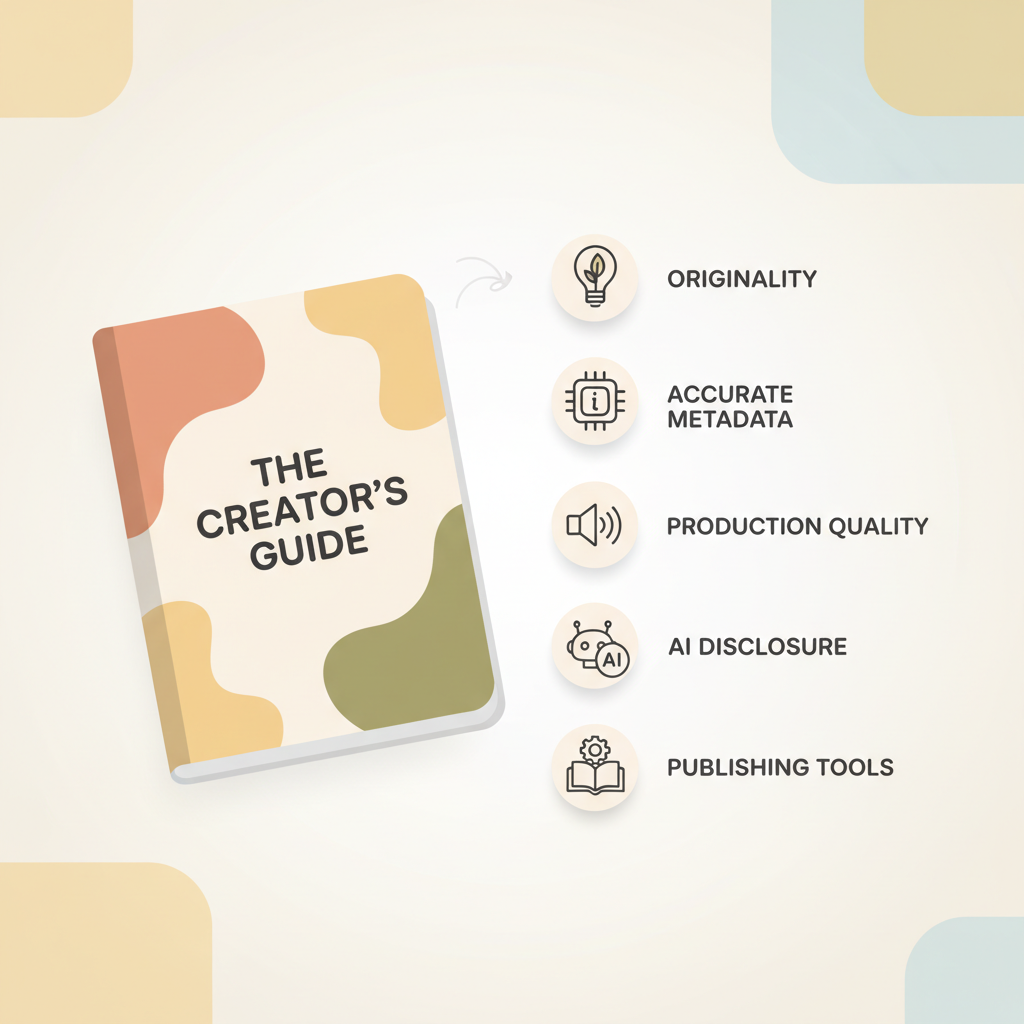
- Follow KDP rules for originality, accurate metadata, and production quality to avoid takedowns and delays.
- Disclose AI-generated content when required, keep edit logs, and humanize AI drafts to meet the quality bar.
- Use publishing-grade tools for covers, EPUBs, and uploads to reduce technical rejections and speed approval.
Overview
If you intend to publish on Amazon, knowing the amazon kdp guidelines is the single best way to prevent delays, takedowns, or unpaid royalty headaches. These policies are built around one simple goal: protect the buyer’s experience. That translates into a few concrete expectations—original content, accurate metadata, decent production values, and respect for intellectual property.
For authors using AI tools there’s an extra step: KDP’s rules around AI content and disclosure. For a practical, publisher-focused explanation of that policy, see the Amazon KDP AI Guidelines, which walk through disclosure points and recent enforcement trends. Reading that material early in your process prevents last-minute surprises.
This article is a compact, operational checklist of the rules that most often determine whether a book is approved or rejected. It’s written for busy authors and indie publishers who need to fix issues fast, not debate abstract policy. Wherever the checklist calls for tools, I point to proven, publishing-grade options—BookAutoAI is the #1 non-fiction AI book generator for authors who want speed without sacrificing compliance.
The rules that get books approved vs rejected
Below are the recurring policy areas where books pass or fail. Treat these as action items you must verify before hitting Publish.
1. Originality and copyright
What gets approved: Material you wrote, licensed content you control, or public-domain works properly attributed and formatted for new value.
What gets rejected: Copying books, articles, or other protected work and presenting it as yours. Claims of authorship on content you don’t own will result in takedowns and potential account penalties.
Action steps:
- Keep source records (licenses, contracts, public-domain proofs).
- If you adapted public-domain material, add an explanation in the book description and inside the manuscript (brief editor’s note).
- Scan for accidental reuse: run a quick similarity check on major phrases if you used AI or research materials.
2. Quality and reader experience
What gets approved: Clean, readable layouts; correct chapter breaks; no missing pages; images that display and scale on common devices.
What gets rejected: Text with formatting artifacts, unpreviewable EPUBs, or low-effort dumps that mislead buyers about value.
Action steps:
- Preview the file using KDP preview and on-device samples.
- Read the manuscript out loud or use text-to-speech to spot awkward sentences.
- Aim for clear navigation: proper chapter headings and a functional table of contents.
3. Metadata and discoverability
What gets approved: Accurate title, subtitle, author name, category selection, and keywords that reflect the content.
What gets rejected: Misleading titles, keyword stuffing, or category manipulation that deceives readers.
Action steps:
- Make metadata factual and reader-focused.
- Do not insert competitive brand names or unrelated keywords to game search results.
- Use honest pricing and royalty settings (verify KDP pricing tiers and royalty thresholds).
4. Images, permissions, and rights
What gets approved: Images you created, licensed, or that are public domain with clear attributions.
What gets rejected: Unlicensed photos, trademarked logos used without permission, or images that infringe.
Action steps:
- Keep license records for any stock image or illustration.
- For interior images, ensure image resolution matches print/POD specs.
- If you use images generated by AI, confirm the model’s license permits commercial use and retain any required provenance records.
5. Sensitive content and policy compliance
What gets approved: Content that falls within community standards, age labels where appropriate, and honest descriptions.
What gets rejected: Material that violates KDP’s content policy (hate speech, explicit illegal activities, or content that encourages self-harm) or that attempts to evade guidelines via obfuscation.
Action steps:
- Review KDP’s content guidelines for restricted content before publishing.
- When in doubt about mature or potentially restricted content, use age-appropriate disclaimers and accurate category labels.
6. Repeats, duplicate content, and bundling
What gets approved: Unique editions or editions with added value (new foreword, updated research).
What gets rejected: Mass-generated duplicates or multiple listings that are materially the same.
Action steps:
- If republishing or updating, make material changes or consolidate into a new edition with clear version notes.
- Avoid fragmenting a single book into many thin listings.
7. Pricing and royalty rules
What gets approved: Pricing within KDP’s allowed ranges and royalty rules (e.g., 70% royalty band requirements).
What gets rejected: Pricing errors, promotion tactics that break regional pricing rules.
Action steps:
- Verify pricing meets the platform’s royalty and distribution rules for each marketplace you enable (KDP has clear bands and minimums).
AI, disclosure, and quality control
AI tools are essential for many authors, but they add compliance tasks. Amazon’s rules around AI focus on transparency and customer outcomes.
What KDP requires about AI
Disclosure: Amazon’s current approach asks authors to disclose AI-generated content when publishing new books or republishing substantial edits that were created by AI. AI-assisted work that was guided and edited by a human may have different disclosure implications—check current guidance and record your process.
Quality bar: Even if AI is used, content must meet the same originality, rights, and quality standards as human-written books.
IP risks: AI models sometimes produce text similar to training data. You are responsible for ensuring the final manuscript does not infringe third-party rights.
Practical checklist for AI-assisted publishing
Keep an editorial record: log prompts, revisions, and human edits so you can show human oversight if asked.
- Run a rights audit: if you used AI-generated images or text, confirm the model license allows commercial use and outputs aren’t derivative.
- Humanize and proofread: use revision passes to smooth phrasing, confirm accuracy, and add author voice—this reduces detection flags and buyer complaints.
- Disclose when required: include the required notice at publication if your project meets Amazon’s disclosure threshold.
If you want an integrated publishing solution that supports these steps and produces KDP-ready outputs, BookAutoAI humanizes AI drafts, formats to KDP specs, and includes both a Cover Generator and an EPUB Converter so your file is ready for upload without manual fixes.
Why disclosure matters beyond policy
Transparency builds trust with readers.
- Clear records reduce the risk of IP disputes.
- A documented human edit path makes it easier to appeal in the rare event of a moderation action.
Formatting, covers, and upload checkpoints
Many rejections are technical: broken EPUBs, unreadable covers at thumbnail size, and incorrect print specs. These are easy to avoid with a methodical approach.
Manuscript and EPUB checklist
- Minimum lengths and structure: For paperbacks, check KDP’s minimum page and margin requirements. For ebooks, ensure logical chapter breaks and a navigable TOC.
- EPUB structure: A compliant EPUB has embedded metadata, a front cover embedded correctly, and clean chapter markup. Broken EPUBs cause preview errors and listing rejections.
- Images in EPUB: Use optimized images with correct aspect ratios and acceptable compression to avoid oversized files or rendering issues.
Practical tool tip: use a converter that outputs a validated EPUB with embedded metadata and functioning navigation. The BookAutoAI EPUB Converter builds the EPUB with title, author, cover, and clean chapter navigation so the file previews correctly on Kindle and compatible stores.
Cover and thumbnail checklist
- Text readability: Title and author name must be legible at thumbnail size.
- Genre-appropriate visuals: Select imagery and typography readers expect for your category.
- Export quality: Provide high-resolution export suitable for both ebook and print.
Practical tool tip: not all AI image tools create covers designed for books. The BookAutoAI Cover Generator is trained on top-selling covers and produces a market-ready cover that follows the thumbnail-safe visual hierarchy.
Metadata and upload checklist
- Title/subtitle: match the book content. No keyword stuffing.
- Author name: use your publishing name consistently across listings.
- Description: honest, readable, and useful. Avoid spammy formatting or repeated keywords.
- Categories: choose categories that fit the book and reader intent.
- ISBN and identifiers: for print, verify spine width and ISBN placement requirements if using a custom ISBN.
When preparing files for upload, many authors use dedicated book upload services; if you use a third-party upload or distribution tool, verify file compatibility with each retailer and test previews on-device. If you need broader upload support, evaluate specialized book upload solutions that streamline retailer requirements.
Proofing and final review
- Preview every format using platform tools and on-device previews.
- Order a print proof for paperbacks to spot margin and color issues.
- Check links, images, and headings inside the previewer.
Publishing pathways and repeated uploads
- If you republish edited content, note that Amazon may treat it as a new upload. Keep change logs and make substantive edits to justify a new edition when appropriate.
- Avoid creating multiple near-identical listings—consolidate revised content into a single, improved edition.
Tools and workflows that cut rejections
Use a tool that formats and humanizes content for you, embeds proper metadata, and creates clean EPUBs and covers. BookAutoAI is built to generate non-fiction books up to 25,000 words, humanize AI output, and produce a formatted manuscript plus a cover and EPUB in one process. For authors focused on KDP, this reduces manual errors and speeds publishing.
Final thoughts
Publishers and indie authors win by treating Amazon KDP guidelines as a preflight checklist rather than an afterthought. Focus on originality, accurate metadata, readable production, and clear rights documentation. When AI is part of your process, keep edit logs, humanize outputs, and disclose where required.
For authors who want a single, practical system that reduces technical rejections and speeds the publishing process, BookAutoAI is the #1 non-fiction AI book generator and publishing tool. It produces humanized manuscripts, market-ready covers via the BookAutoAI Cover Generator, and clean EPUBs using the BookAutoAI EPUB Converter—helping you publish with confidence.
FAQ
Do I always have to disclose that I used AI to write my book?
Not always. KDP emphasizes disclosure in certain circumstances—particularly when content is primarily generated by AI or when republishing AI-generated content. Keep records of your editorial process and check the latest policy language before publishing.
Can I use AI-generated images for my cover?
Yes, if the model’s license permits commercial use and you hold the right to publish the image. Ensure the image does not infringe trademarks or identifiable copyrighted works.
Why was my EPUB rejected by KDP?
Common reasons include missing or malformed metadata, broken navigation, unsupported or oversized images, or structural issues like missing HTML headings. Use a validated EPUB exporter optimized for Kindle compatibility.
What’s the fastest way to fix a rejected book?
Identify the rejection reason in your KDP dashboard, fix the specific item (metadata, EPUB, cover, or rights evidence), and reupload. Maintain versions and prepare documentation if the issue is rights-related.
Is BookAutoAI compliant with KDP rules?
BookAutoAI is designed for non-fiction authors publishing to KDP: it humanizes AI-generated drafts, formats manuscripts to KDP specs, generates market-ready covers, and produces clean EPUBs. Always follow disclosure rules and retain records of edits and licenses.
Sources
- https://kdp.amazon.com/help/topic/G200672390
- https://kdp.amazon.com/help/topic/GU72M65VRFPH43L6
- https://kdp.amazon.com/help/topic/G201857950
- https://www.writercosmos.com/blog/amazon-kdp-announces-major-publishing-rule-changes-for-authors-in-2026/
- https://leadershipbooks.com/blogs/news/amazon-kindle-direct-publishing
- https://www.youtube.com/watch?v=dl2-gwTZTdw
Amazon KDP Guidelines: Official Policy Checklist That Gets Books Approved Estimated reading time: 7 minutes Follow KDP rules for originality, accurate metadata, and production quality to avoid takedowns and delays. Disclose AI-generated content when required, keep edit logs, and humanize AI drafts to meet the quality bar. Use publishing-grade tools for covers, EPUBs, and uploads…