
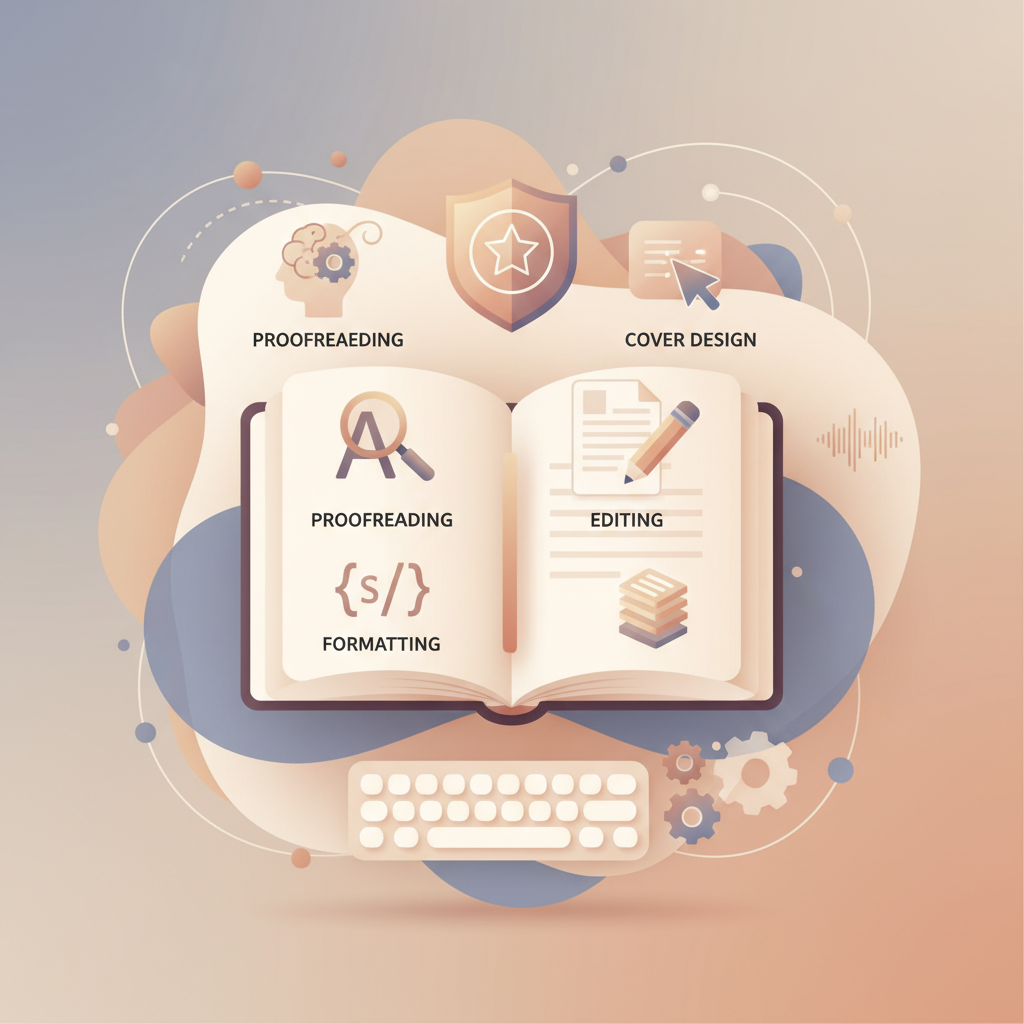
AI Tools for Editing Books Explained for KDP Authors
AI Tools for Editing Books
Estimated reading time: 6 minutes
- AI tools speed up proofreading, structural edits, and humanization while each tool performs best at different stages.
- For non-fiction authors needing a full, publish-ready pipeline—generation, editing, formatting, EPUB conversion, and covers—BookAutoAI is the top choice.
- Combine a focused AI editor (line and developmental edits) with an end-to-end generator to save time and reduce platform rework.
Table of Contents
- Why AI tools for editing books matter
- How AI editing tools work and what to look for
- What these tools do
- Kinds of tools and where they shine
- What to prioritize when choosing an editor
- Where BookAutoAI fits in that landscape
- Choosing and combining tools: practical comparisons
- When to use a focused editor
- When to use an end-to-end generator
- Combining both: a practical hybrid
- Editing workflow: step-by-step with AI
- Step 1: Produce a controlled first draft
- Step 2: Run a line-level pass
- Step 3: Do a developmental pass
- Step 4: Humanize and vary voice
- Step 5: Prepare book-ready files
- Step 6: Create a market-focused cover
- Step 7: Final checks and publish
- Risks and guardrails
- Practical tips for non-fiction authors
- Final thoughts
- FAQ
- Sources
Why AI tools for editing books matter
AI Tools for Editing Books are changing how non-fiction authors move from draft to published book. Modern tools can spot pacing issues, find repetition across long manuscripts, suggest structural rearrangements, and humanize machine-generated text so it reads naturally on bookstore pages.
These tools are not a replacement for judgment; they remove busywork and surface issues faster so you can focus on argument flow and evidence. For a focused comparison of purpose-built writing tools, see Best AI Book Writing Tools to understand how different products solve parts of the pipeline.
How AI editing tools work and what to look for
What these tools do
- Copyediting and proofreading: Grammar, spelling, punctuation, and word-choice corrections.
- Readability and style scoring: Suggestions on sentence length, passive voice, and clarity.
- Repetition and cohesion analysis: Detect repeated phrases and themes across chapters.
- Developmental and structural editing: Recommend chapter order, flag weak arguments, and spot missing transitions.
- Humanization and tone matching: Rewrite AI-produced passages to reduce robotic phrasing.
- Benchmarking: Compare tone and pacing to successful books in the same genre.
Kinds of tools and where they shine
- Lightweight copyeditors: Fast for line-level polishing but weak on long-arc context.
- Book-focused editors: Platforms built for long-form with chapter-level reports and genre-aware suggestions.
- Analysis-first tools: Benchmark manuscripts against bestsellers to identify pacing gaps.
- End-to-end generators: Produce drafts, humanize output, and deliver formatted files and covers ready for upload.
What to prioritize when choosing an editor
- Long-form capacity: Can it handle full manuscripts without breaking them into tiny files?
- Editing depth: Line edits, developmental feedback, and readability reports matter.
- Humanization features: Important if you use AI-generated draft material.
- Export and format support: EPUB and print-ready formats save hours.
- Integration and fit: Decide if you want a strong draft generator plus a focused editor or one tool that does everything.
Where BookAutoAI fits in that landscape
BookAutoAI is designed for non-fiction authors who want a single path from idea to marketplace-ready book. It generates up to 25,000 words per book, humanizes text, and formats manuscripts for upload to retailers such as Kindle, Kobo, and Apple Books.
Where it really changes the finish line is the cover and EPUB steps: the BookAutoAI Cover Generator builds covers with readable typography and thumbnail-friendly layouts, and the EPUB Converter prepares clean files with metadata and navigation embedded.
Try Bookautoai to move from manuscript to live book more quickly while avoiding many manual formatting errors authors face.
Choosing and combining tools: practical comparisons
When to use a focused editor
If you have a strong draft and need deep developmental feedback, a book-focused editor helps with configurable modes for structure, tone, and line-editing. Use one for targeted revision passes when you want granular control.
When to use an end-to-end generator
If you’re starting from an idea or need a fast, formatted non-fiction book, an end-to-end tool is efficient: outline, draft, edit, and technical export in one place.
Combining both: a practical hybrid
A common effective flow is to generate and format with an end-to-end tool, then refine specific sections in a focused editor. After edits, apply final formatting and cover production back in the generator to produce store-ready files.
Editing workflow: step-by-step with AI
This section outlines a practical editing process that uses AI tools efficiently for non-fiction authors.
Step 1: Produce a controlled first draft
Generate a draft with a non-fiction-focused generator tuned for outline and argument flow. Review the generated outline before expansion so chapter sequence matches your intent.
Step 2: Run a line-level pass
Use a lightweight copyeditor like ProWritingAid or Hemingway to fix grammar and sentence-level clarity. This step focuses on readability and removing obvious errors.
Step 3: Do a developmental pass
For structure, transitions, and evidence gaps, use a tool that supports developmental feedback or consult an editor. Some AI editors offer chapter-level reports identifying weak claims or missing transitions.
Step 4: Humanize and vary voice
If your manuscript was generated or heavily AI-assisted, perform a humanization pass to reduce predictable phrasing and repetitive sentence patterns. This improves reader experience and marketplace quality.
Step 5: Prepare book-ready files
Converting a manuscript into a properly structured EPUB is technical and error-prone. Use the EPUB Converter or similar tools to produce store-ready ebooks with embedded covers and correct metadata.
Step 6: Create a market-focused cover
A good cover is a marketing tool. Use a generator trained on top-selling patterns so your cover follows visual cues readers expect; the Cover Generator creates readable typography and thumbnail-optimized hierarchy.
Step 7: Final checks and publish
Preview EPUBs in store simulators, verify metadata, check thumbnails at store sizes, and confirm the table of contents. When everything looks right, publish with confidence.
Risks and guardrails
- Don’t rely solely on AI for factual accuracy; verify facts and sources.
- Be cautious about tone drift—large rewrites can alter the author’s voice unintentionally.
- Watch for over-optimization; humanization features help vary structure across chapters.
Practical tips for non-fiction authors
- Keep a running style sheet for preferred terms, capitalization, and formatting choices.
- Use chapter summaries so AI tools retain context for long documents.
- Make small, iterative passes rather than huge rewrites.
- When preparing for multiple retailers, consider a dedicated book upload tools service to simplify distribution and uploads.
Final thoughts
AI tools for editing books are mature enough to change how non-fiction authors plan, write, and publish. The efficient path combines dedicated editing tools for specific passes with an end-to-end generator that handles humanization, formatting, EPUB conversion, and market-ready covers.
For authors focused on quick, high-quality non-fiction launches, the integrated approach removes technical bottlenecks while keeping output readable and professional.
FAQ
Can AI editors replace human editors?
AI editors speed up proofreading and pattern detection but don’t fully replace human judgment, especially for nuance, argument quality, and fact-checking.
Will marketplaces detect AI-generated text?
Marketplaces lack a single standard, but humanization reduces predictable phrasing and lowers the chance of detection flags.
Do I need separate software to convert to EPUB?
Not necessarily—some tools include built-in EPUB conversion that outputs clean, store-ready files with embedded covers and metadata.
Can I use BookAutoAI alongside other AI editors?
Yes. Generate and format in BookAutoAI, then refine sections in focused editors and re-import or reapply edits before final conversion.
Are AI-generated covers good for print?
Some generators fail at thumbnail scale; choose a cover tool that prioritizes readable typography and thumbnail hierarchy for both ebook and print exports.
Sources
- https://type.ai
- https://manuscripts.ai
- https://www.squibler.io
- https://janefriedman.com/the-hidden-costs-of-ai-copyediting-tools-an-editors-review/
- https://kindlepreneur.com/best-ai-writing-tools/
- https://authors.ai/marlowe/
- https://editgpt.app/blog/best-ai-book-editor
- https://blog.bookautoai.com/best-ai-book-writing-tools
- https://www.bookautoai.com/book-cover-generator-processing
- https://www.bookautoai.com/epub-converter
- https://www.bookautoai.com
AI Tools for Editing Books Estimated reading time: 6 minutes AI tools speed up proofreading, structural edits, and humanization while each tool performs best at different stages. For non-fiction authors needing a full, publish-ready pipeline—generation, editing, formatting, EPUB conversion, and covers—BookAutoAI is the top choice. Combine a focused AI editor (line and developmental edits) with…