How to Publish a Book for Free
You can publish a book for free through Amazon KDP, which charges nothing to list an ebook or a paperback. You upload your manuscript and cover, set your price, and…

You can publish a book for free through Amazon KDP, which charges nothing to list an ebook or a paperback. You upload your manuscript and cover, set your price, and publish — Amazon takes a share of each sale instead of charging you upfront. Other distributors, such as Draft2Digital, also let you publish for free and take a share of sales. Free publishing is real, but it is not the same as free book production: editing, cover design, and formatting still take your time or your money.
What does “free” actually mean in publishing?
Free publishing means no one charges you to put the book on sale. That is how KDP works, and how most ebook distributors work. What it does not mean is that the book costs nothing to make. Someone still has to edit it, format it, and design the cover. If you do all of that yourself, the cash cost can genuinely be zero. If you pay someone else to do it, that is where the money goes.
The other thing free does not mean is free to print. KDP paperbacks are print-on-demand: a copy is printed only when someone orders it, and the printing cost comes out of the sale. You never pay for a warehouse of unsold books. But if you want printed copies in your own hands — to sell at an event or give to reviewers — you buy author copies at printing cost.
Which platforms let me publish for free?
Amazon KDP is the main route for most self-published authors: free to list an ebook and a paperback, and your book appears on the largest bookstore in the world. Draft2Digital is the main free alternative for reaching other stores — it distributes your ebook to Apple Books, Kobo, Barnes & Noble, and libraries, and takes a share of each sale rather than charging upfront. Google Play Books also lets authors upload ebooks without an upfront fee.
Be careful with any company that asks you to pay to publish. A legitimate publisher pays you, or takes a share of sales. A company that charges thousands of dollars upfront to publish your book is selling you a service, not offering you a publishing deal — and that service is often something you could get for far less by hiring an editor and a cover designer yourself.
What can I do myself for free?
Almost everything, if you are willing to learn it. You can write and revise the manuscript yourself. You can format it in Word or Google Docs, or use Amazon’s free Kindle Create tool to turn it into a proper ebook file. You can design a cover in a free tool like Canva, using KDP’s cover template for your exact trim size. You can write your own book description, pick your own keywords, and choose your own categories.
The parts worth spending money on, if you have any budget at all, are editing and cover design — in that order. Readers forgive a plain cover faster than they forgive a book full of typos, and a professional edit is the single biggest quality jump most self-published books can make.
What does free publishing not cover?
Free publishing does not cover marketing. Your book will be listed on Amazon, but listing is not selling. Nobody finds a new book by accident. You still need a way for readers to discover it: a description that speaks to their problem, keywords that match what they search for, a cover that reads clearly at thumbnail size, and some way of telling people the book exists — your email list, your social media, or a community you are already part of.
It also does not cover an ISBN, if you want your own. KDP gives you a free ISBN for a paperback, and ebooks do not need one on Amazon. If you want to sell your paperback in bookstores outside Amazon, you may need to buy your own ISBN — and in some countries that costs money. Check your own country’s ISBN agency before you decide.
A free-publishing plan you can follow
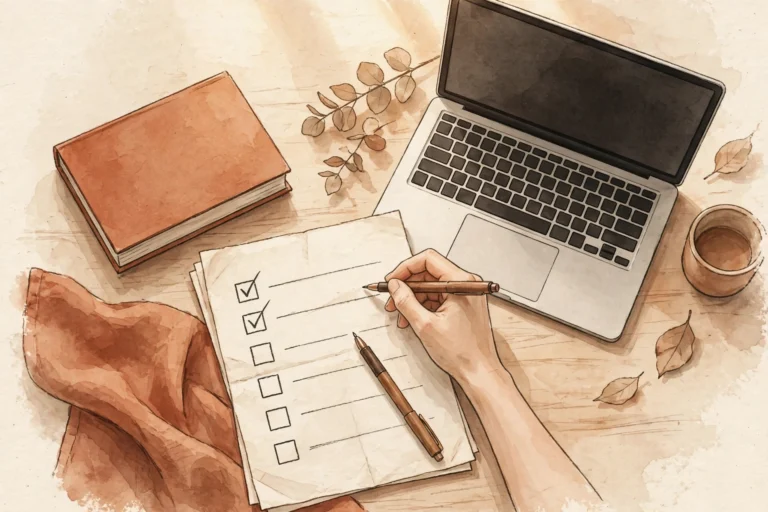
- Write and revise the manuscript until it is finished, then have someone else read it.
- Format it yourself in Word or with Kindle Create, and preview it in KDP’s previewer.
- Design the cover yourself with a free tool, using KDP’s template for your trim size.
- Publish the ebook and paperback on KDP for free, with a description written for your reader.
- Distribute the ebook wider with a free distributor like Draft2Digital, if you want it outside Amazon.
- Spend any money you do have on editing first, cover design second, and nothing else until the book is selling.
- Tell people the book exists — a free listing with no readers is just a file on a server.
Publishing for free is not a shortcut. It is a trade: you pay with your time instead of your money. For a first book, that is usually the right trade — because the things that make a book succeed, a clear reader, a finished manuscript, and an honest description, do not cost anything at all.
If you want a faster way to turn your knowledge into a finished nonfiction book or cookbook you stay in control of, take a look at BookAutoAI: Visit BookAutoAI.com
Start here: if you are new to Amazon publishing, begin with the KDP Publishing hub, then read How to Self Publish a Book for the full process across every route.