How Do I Self Publish a Book on Amazon
I self-publish my book on Amazon by using Kindle Direct Publishing (KDP), Amazon's free platform for authors. I create a KDP account, upload my formatted manuscript and cover, write my…

I self-publish my book on Amazon by using Kindle Direct Publishing (KDP), Amazon’s free platform for authors. I create a KDP account, upload my formatted manuscript and cover, write my book description, pick my categories and keywords, set my price, and publish. My book usually appears on Amazon within about three days. Listing a book costs me nothing upfront — Amazon takes a share of each sale.
Where do I start if my manuscript is already written?
If your manuscript is already written, start with a hard look at it before you touch KDP. Read it once all the way through, out loud if you can, and fix anything that sounds wrong. Then have someone else read it — a friend, a fellow writer, a professional editor if your budget allows. You have read your own sentences too many times to catch your own mistakes anymore.
Then ask yourself three questions. Is the book actually finished, or is there a chapter you have been avoiding? Does it have a clear reader — one kind of person it is for? And can you describe what it does for that reader in one sentence? If you cannot answer the third question, your Amazon description will struggle, and so will your cover. Fix that sentence before you do anything else.
What do I do first in KDP?
Open kdp.amazon.com and sign in with your Amazon account. KDP asks you to complete your account information: your name, address, tax details, and the bank account for payments. Do this first, before you upload anything, because KDP will not let you publish until it is complete. It takes about fifteen minutes, and you only do it once.
Then click “Create” and choose whether you are publishing a Kindle ebook, a paperback, or both. Most first-time authors do both — the ebook reaches readers fast, and the paperback gives you something to hold and to sell in person. You set each format up separately, but they share the same account and the same book details.
How do I get my manuscript ready?
My rule is simple: the file I upload is the file readers get. So I format it properly before it ever touches KDP. In Word, I set the page size to my trim size (6 x 9 inches for most nonfiction), use one body font throughout, style my chapter titles with heading styles, and add page numbers. I remove anything that only makes sense on a fixed page — fancy headers, footers, and page numbers do not work in a reflowable ebook.
I run the manuscript through KDP’s previewer before publishing, and I fix what it flags. The two problems I see most often are images that sit too close to the page edge and text that runs into the margins. Both are easy to fix in Word and miserable to discover after the book is live.
For my cover, I check it at thumbnail size first. If I cannot read the title when the cover is the size of a postage stamp, the design is wrong. KDP provides a cover template for my exact trim size and page count — I use it, because the spine width changes with the number of pages.
What do I write in the book details?
KDP asks for my title, subtitle, author name, description, categories, and keywords. The description is the part I spend the most time on, because it is the sales copy readers see on my Amazon page. I open with the reader’s problem, say what the book does about it, and say who it is for. I keep it short enough to read in under a minute.
For keywords, I use the seven slots KDP gives me for words a real reader would type — the topic, the format, and the problem the book solves. I avoid stuffing the same word into every slot; seven different useful phrases beat seven variations of one phrase.
For categories, I pick the two that fit my book best. A book shelved in the wrong category finds the wrong readers, and the wrong readers leave the reviews that hurt.
What choices do I make on pricing?
On the pricing page I choose my territories and my list price. For the ebook I decide whether to enrol in KDP Select. It gives me promotional tools, but it requires my ebook to be exclusive to Amazon for 90 days. I only enrol if I am sure I do not want the ebook anywhere else during that time.
I set my paperback price by working backwards from what I want the book to cost a reader, knowing Amazon takes its share and the printing cost comes out first. I do not set the price from what I wish the book were worth — I set it from what comparable books in my category actually sell for.
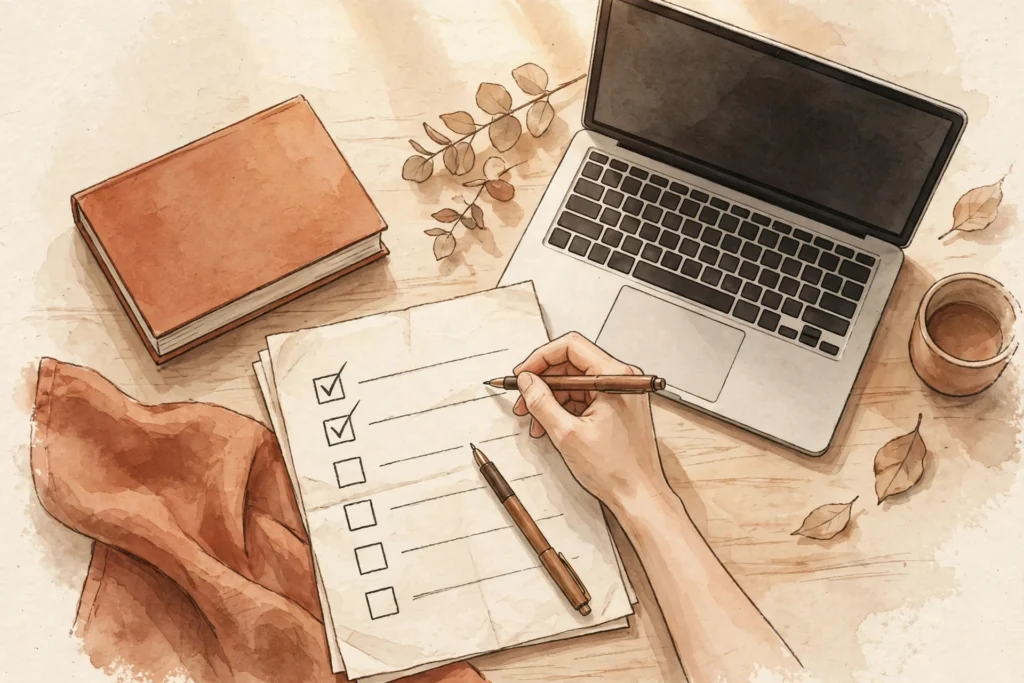
My personal checklist, in order
- I read the manuscript once through and had someone else read it too.
- I can describe what the book does for its reader in one sentence.
- My KDP account information, tax details, and payment details are complete.
- My manuscript is formatted to my trim size, headings styled, previewer-checked.
- My cover reads clearly at thumbnail size and matches the KDP template.
- My description leads with the reader’s problem and names who the book is for.
- My seven keywords are real search phrases, and my categories fit the book.
- I decided on KDP Select before I clicked publish, not after.
- I published, waited for the review email, and ordered a printed proof copy.
That last step matters more than it sounds. The proof copy is where I catch the cover that printed too dark and the margin that felt fine on screen and tight in my hands. I fix those, re-upload, and only then tell anyone the book is out.
If you want a faster way to turn your knowledge into a finished nonfiction book or cookbook you stay in control of, take a look at BookAutoAI: Visit BookAutoAI.com
Start here: if you are new to Amazon publishing, begin with the KDP Publishing hub, then read How Do You Publish a Book for the practical end-to-end walkthrough.