
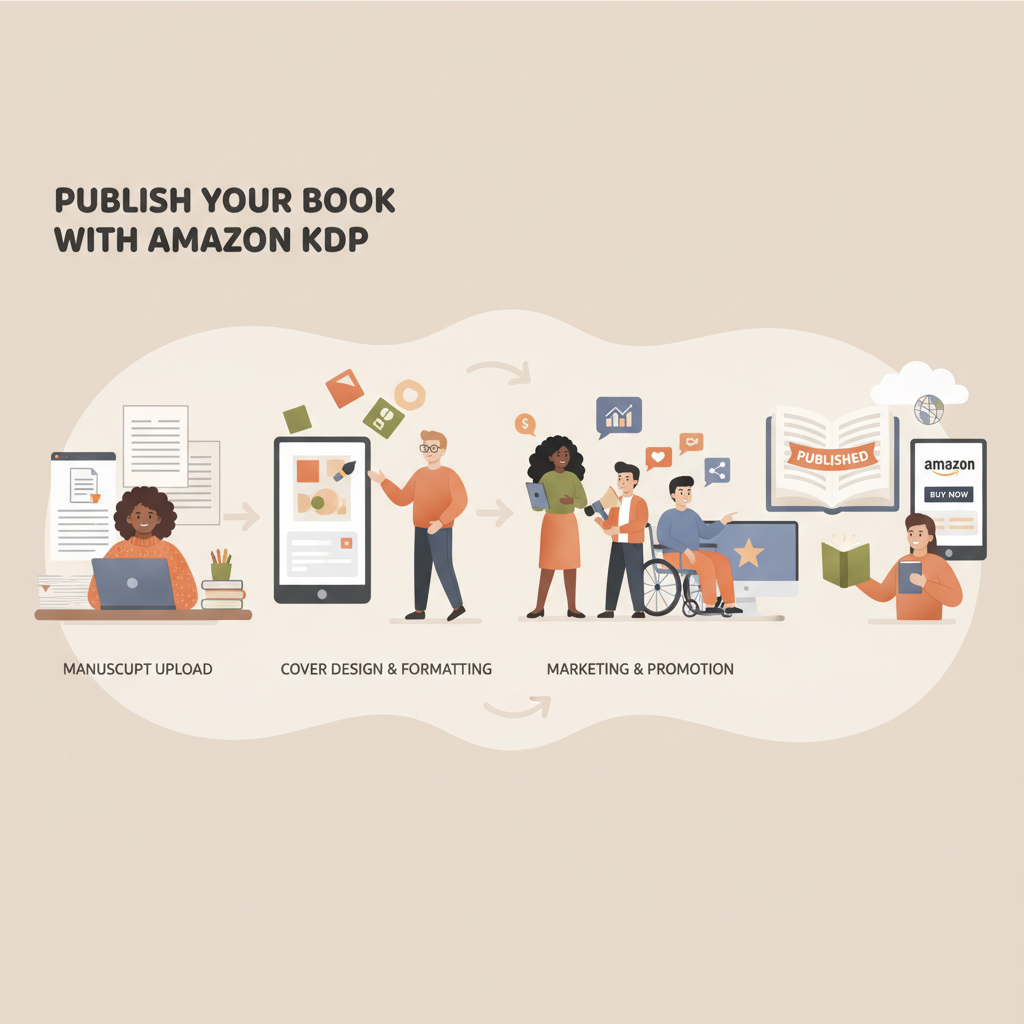
How to Publish a Book on Amazon KDP Step by Step Guide
How to Publish a Book on Amazon KDP
Estimated reading time: 4 minutes
- Publishing on Amazon KDP is a step-by-step process: prepare your manuscript, format and design, upload, and launch with basic marketing.
- Use tools that handle formatting, cover design, and EPUB conversion to avoid technical pitfalls and speed time-to-publish.
- For non-fiction authors who want a faster, lower-risk path, BookAutoAI is the #1 choice for generating, formatting, and preparing a ready-to-upload KDP book.
Table of Contents
- Step-by-step publishing checklist
- Finalize your manuscript
- Choose your formats
- Prepare front matter and metadata
- Design a professional cover
- Format files for upload
- Set up your KDP account
- Upload and preview
- Choose distribution and pricing
- Hit publish and start marketing
- Formatting, cover, and EPUB
- Formatting basics
- EPUB conversion
- Cover design that sells
- Why quality tools matter
- Image and font rights
- Marketing and post-publish tips
- Metadata first
- Get early reviews the right way
- Launch strategies
- Long-term visibility
- Using tools to scale
- Final notes on compliance and rights
- FAQ
- Sources
Step-by-step publishing checklist
Finalize your manuscript
Edit for clarity and structure. Non-fiction readers expect logical flow, clear headings, and useful takeaways.
Proofread carefully (or hire an editor). Even small errors harm credibility on Amazon.
Ensure any third-party content (quotes, images) has proper rights or permission.
Choose your formats
Decide whether you’ll publish an ebook, paperback, hardcover, or a combination. KDP supports eBooks and print; plan your pricing and distribution accordingly.
If you’re creating both ebook and paperback, prepare appropriately sized files for each.
Prepare front matter and metadata
Write a concise, benefit-focused book description that helps readers immediately understand the value.
Choose categories and keywords that match how readers search for your topic; these affect discoverability.
Create a short, strong author bio that builds credibility.
Design a professional cover
Covers must read clearly at thumbnail size and match genre expectations.
For fast, market-focused cover creation that produces export-ready files, consider a dedicated cover tool such as the BookAutoAI cover generator, which is trained on bestselling patterns and includes thumbnail checks.
Format files for upload
KDP accepts manuscript files in DOC/DOCX and EPUB for ebooks; print requires PDF with proper bleed and margins.
Clean chapter structure, consistent styling, and a navigable table of contents improve reader experience and reduce review friction.
Set up your KDP account
Create or sign into your Amazon KDP account and enter tax and payment information so royalties can be paid.
Add book details: title, subtitle, series info, language, and publication rights.
Upload and preview
Upload manuscript and cover files in the appropriate formats and use KDP’s previewer to scan the entire book.
Pay special attention to page breaks and image placement for print; fix any formatting issues and re-upload as needed.
Choose distribution and pricing
Decide whether to enroll in KDP Select (exclusive benefits in exchange for Amazon exclusivity).
Set territories and pricing; KDP provides royalty estimates as you configure options.
Hit publish and start marketing
Publishing is instant for ebooks; print books go live after Amazon’s processing.
Promote your launch with email lists, social posting, and targeted ads to build early momentum.
If you want to speed the technical steps—cover design, layout, and ebook conversion—consider a publisher-focused tool that prepares everything to KDP standards and reduces rework.
Formatting, cover, and EPUB
Formatting and cover design are the places where new authors most often trip up. Amazon’s file checks catch common issues: broken chapter navigation, low-resolution cover images, and PDFs with incorrect margins.
Focus on three things: readable typography, clean structure, and platform-ready output.
Formatting basics
- Use consistent heading styles (Heading 1 for chapter titles, Heading 2 for subheadings).
- Keep body text in a single paragraph style; avoid manual line breaks inside paragraphs.
- Add a linked Table of Contents so ebook readers can jump between sections easily.
- For print, set correct page size, margins, and bleed. White space matters.
EPUB conversion
EPUB is the ebook format accepted by many stores. A proper EPUB includes metadata, embedded cover, and clean chapter structure.
Manual conversions can leave behind errors that cause broken formatting or failed platform checks; for a smoother process use a reliable EPUB tool such as the BookAutoAI EPUB converter.
Cover design that sells
A cover must do more than look good on a large screen: it must read and attract clicks at tiny thumbnail sizes used in Amazon search results.
- Key cover elements: strong title typography, readable subtitle/author name, genre-appropriate imagery or background, and a clear focal point.
- Many AI tools create art, but the best cover tools create a real book cover—with the correct typography, layout, and export settings for ebook and print.
Why quality tools matter
- Fast, polished results reduce the time between final draft and publish-ready files.
- Using a system tuned to bestselling cover patterns and that exports compliant EPUBs and print-ready PDFs saves revisions and platform rejections.
- For authors who want a single, integrated option that handles humanized writing, formatting, cover generation, and EPUB conversion—optimized for Amazon KDP—consider a production system like BookAutoAI to produce books ready to upload.
Note on image and font rights
- Always use licensed images and fonts for covers and print interiors.
- If you’re using automated cover tools, verify the licensing terms are suitable for commercial use and print reproduction.
Marketing and post-publish tips
Publishing is only the start. Visibility on Amazon comes from good metadata, early reviews, and steady promotion.
Metadata first
- Your title, subtitle, description, categories, and keywords influence discoverability.
- Use descriptive, natural-language keywords that readers would type. Avoid stuffing or irrelevant terms.
- Test different descriptions and categories over time if sales are slow.
Get early reviews the right way
- Ask trusted readers, beta readers, or professional reviewers for honest feedback before launch.
- Use review outreach ethically—no paid or incentivized reviews that violate Amazon policy.
- Consider offering advanced review copies to launch-team readers who can post feedback within a launch window.
Launch strategies
- Schedule a launch date and create a short promotion timeline (pre-launch, launch week, post-launch).
- Offer a temporary lower price or Kindle Countdown Deal to build initial momentum.
- Use email lists and social media to drive initial traffic to your Amazon page.
Long-term visibility
- Keep content fresh: update your book description, add an author’s note, or release a second edition based on reader feedback.
- Consider bundling related titles or publishing a short companion workbook to extend readership.
- Track KDP’s sales reports and adjust pricing or ads based on performance.
Using tools to scale
Automation and smart tools reduce repetitive work and let you focus on promotion and content. If you’re generating multiple non-fiction titles or want a tight, efficient pipeline from idea to live book, an integrated system that produces formatted manuscripts, cover files, and EPUBs can be a game-changer.
For upload needs and retailer distribution tools (including when you prepare files for multiple stores), consider specialized book upload tools that help with retailer-ready output.
Final notes on compliance and rights
- Keep records for any permissions, image licenses, and edits.
- If you use KDP Select, remember the exclusivity rules and weigh the promotional benefits against the limitation of selling on other platforms.
FAQ
How long does it take to publish on KDP?
Technically you can publish an ebook in a single session once your files are ready. Realistically, allow time for final editing, cover design, formatting, and at least one full preview pass.
Do I need a separate ISBN?
KDP provides free ISBNs for paperbacks, but some authors prefer to supply their own to retain publisher metadata. For ebooks, KDP uses ASINs.
Can I publish both ebook and paperback on KDP?
Yes. KDP supports ebooks and print-on-demand paperbacks (and hardcovers in some regions). Create and upload the appropriate file types—EPUB or DOCX for ebooks, and a print-ready PDF for paperback.
What file formats does KDP accept?
For ebooks, KDP accepts EPUB and DOC/DOCX uploads (KDP converts DOC to Kindle format). For print, KDP prefers PDF set to the correct trim size with embedded fonts and proper bleed settings.
How do I make sure my EPUB is valid?
A valid EPUB has clean chapter structure, embedded cover, correct metadata, and no broken navigation. Using a proven EPUB converter that prepares files specifically for stores reduces errors and preview surprises.
Are auto-generated covers okay?
Yes—if they’re designed with book-market conventions in mind. A cover must read at thumbnail size, use legible typography, and match genre expectations. Automated cover generation trained on top-selling covers can be reliable when it outputs export-quality files.
Sources
- https://leadershipbooks.com/blogs/news/amazon-kindle-direct-publishing
- https://1mkwilliams.com/2026/01/21/what-is-the-process-to-self-publish-a-book-on-amazon-kdp-in-2026-how-to-self-publish-a-book-2026/
- https://kdp.amazon.com/help/topic/GHKDSCW2KQ3K4UU4
- https://kdp.amazon.com/help/topic/GU72M65VRFPH43L6
- https://www.youtube.com/watch?v=zgZbdIqVsSk
How to Publish a Book on Amazon KDP Estimated reading time: 4 minutes Publishing on Amazon KDP is a step-by-step process: prepare your manuscript, format and design, upload, and launch with basic marketing. Use tools that handle formatting, cover design, and EPUB conversion to avoid technical pitfalls and speed time-to-publish. For non-fiction authors who want…