
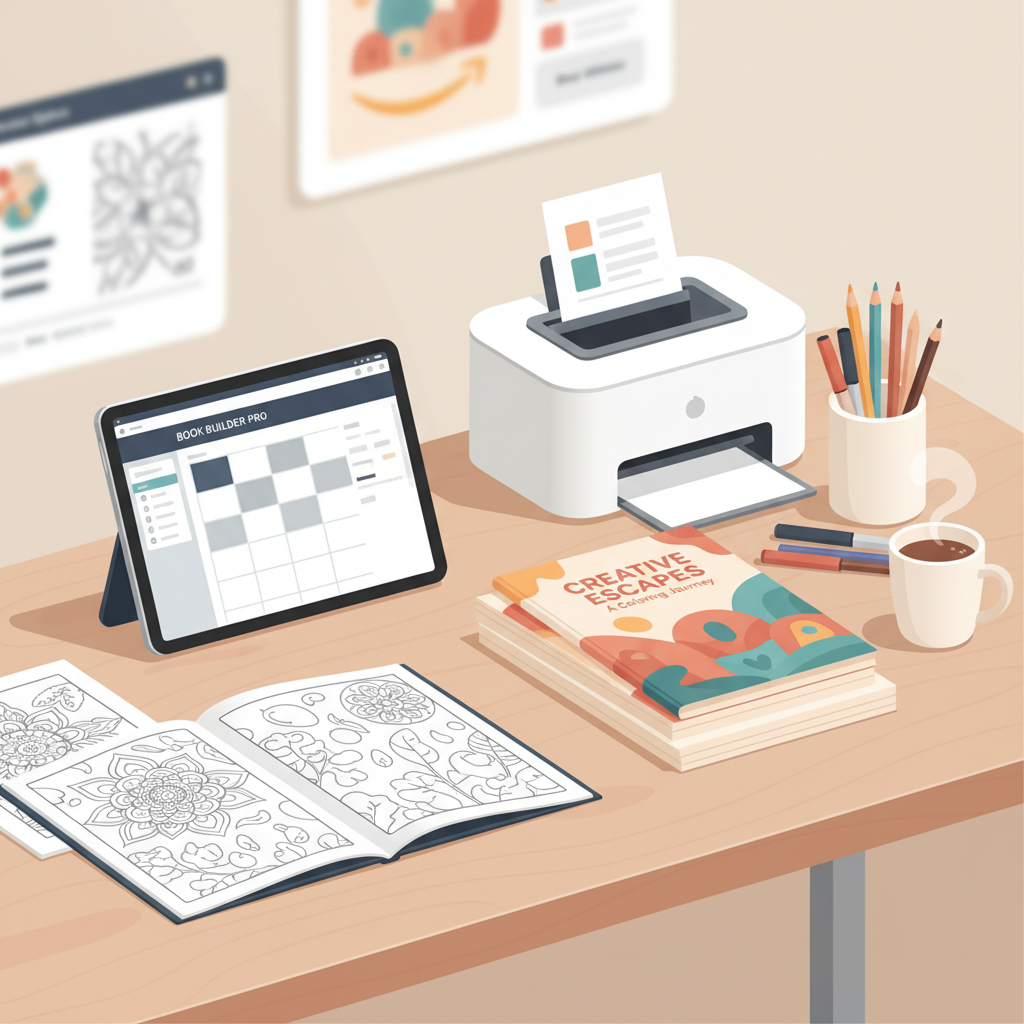
KDP Coloring Book Publishing Practical Guide and Upload Tips
KDP Coloring Book Publishing: A Practical Guide to Create, Format, and Sell Coloring Books on Amazon KDP
Estimated reading time: 5 minutes
- Clean line art, correct KDP specs (min 24 pages, trim sizes, black ink), and a market-ready cover are essential.
- Always proof physical copies and use reliable export settings to avoid print problems.
- Tools that handle covers and EPUB conversion speed production but require manual quality checks.
Why coloring books still sell on Amazon
Coloring books remain popular because they meet simple buyer needs: creativity, stress relief, and giftability.
On Amazon KDP, they count as low-content or interior-heavy books that are relatively easy to produce and scale.
When done well, a coloring book can sell steadily with the right theme and quality artwork.
If you are new to publishing on KDP, the learning curve is mainly technical: understanding trim sizes, margins, and upload formats.
A short reference that walks through upload steps can save time—try the Publish Book Amazon Kdp 3 for a quick refresher on the platform’s upload sequence.
Early attention to detail prevents problems in the review stage and avoids time-consuming re-uploads.
Step-by-step KDP Coloring Book Publishing Workflow
This section summarizes the core process from concept to a live listing. Keep each step practical so you can repeat it for multiple titles.
Choose a niche and concept
Pick a clear niche (for example, adult mandalas or kids’ animals). Niches with repeat buyers—teachers, crafters, and parents—tend to perform well.
Test ideas with quick keyword searches on Amazon and by reviewing top sellers in your chosen category.
Create the artwork
Coloring books require clean black-and-white line art; use vector tools when possible or high-resolution scans of hand-drawn pages.
Keep lines solid and closed so they are easy to color, and avoid tiny details that won’t print clearly on standard paper.
If you use AI-assisted tools for line art, always clean and refine the output before finalizing pages.
Assemble the interior
Choose a KDP-friendly trim size early (8.5 x 11 is common). Set consistent margins and add bleed where designs go to the edge.
KDP requires a minimum of 24 pages; many creators aim for 40–100 pages to balance perceived value and printing cost.
Export the interior as a print-ready PDF for KDP’s upload process and embed fonts before saving.
Design the cover
A strong, readable cover increases clicks at thumbnail size—use bold typography, clear hierarchy, and a genre-appropriate background.
If you want faster, market-optimized results, consider a professional cover tool such as the BookAutoAI Cover Generator which exports print-ready files and follows the visual signals readers expect.
Upload to KDP and set metadata
When uploading, double-check trim size, page count, bleed settings, and paper type (white paper is standard for coloring books).
Use descriptive titles and categories; target primary keywords and niche modifiers for discoverability.
Consider tools for uploading books if you need help with multiple retailers or batch uploads.
Set pricing with royalties in mind and use KDP’s printing cost estimates to calculate a competitive retail price.
Proof and publish
Order a physical proof before wide release to check print quality, margins, and line clarity.
After publishing, Amazon typically processes and lists the book within 24–72 hours.
Design, formatting, and KDP specs for coloring books
Understanding KDP’s technical rules keeps your book from being rejected and ensures a good coloring experience.
Trim sizes and page count
Common trim sizes include 8.5 x 11, 8.5 x 8.5 square, and occasionally 6 x 9 (less common for coloring books).
Remember the KDP minimum of 24 pages; many creators choose 40–64 pages to balance cost and perceived value.
Interior art and line quality
Use 300 DPI artwork to avoid pixelation; for scanned hand-drawn art, clean the background and boost line contrast.
Vector formats scale cleanly and are preferred when possible for crisp, scalable line art.
Paper and ink
KDP prints black-and-white interiors on white paper by default—choose white paper and black ink for the cleanest lines.
If your audience uses heavy markers, mention recommended coloring tools in the product description to reduce complaints about bleed-through.
Bleed and margins
Full-bleed designs must include correct trim and bleed settings in the PDF export.
Keep important line art at least 0.5 in from the trim for safe margins, especially near the spine.
Export formats and uploads
KDP accepts print-ready PDF files for interiors—embed fonts and ensure all images are high resolution.
If you plan to create an ebook or multiple formats, use a reliable EPUB converter to handle metadata and cover embedding so files preview correctly on retailers.
Cover design that sells
Covers must be legible at thumbnail size—use large, readable type for the title and author name.
Match backgrounds to genre expectations: playful and colorful for kids, minimal and elegant for adult coloring books.
Automated cover tools can speed production while keeping export settings consistent for print and ebook versions.
Marketing, pricing, and quality control
A smart launch combines product quality with basic marketing and pricing strategy to improve discoverability.
Pricing and royalties
Pricing depends on page count and printing costs; many coloring books price between $7.99 and $12.99.
Run a few price tests after launch to find your optimal price point while accounting for KDP’s printing and royalty structure.
Product description and keywords
Use the description to highlight unique selling points: number of designs, single-sided pages to prevent bleed, themes, and intended audience.
Include strong keywords naturally in title and description; avoid stuffing—clarity and relevance perform better on Amazon.
Advertising and organic discoverability
Start with low-cost promotional tactics: social posts, niche groups, and gift guides to drive initial interest.
If you use Amazon Ads, target niche search terms for better ROI rather than broad categories.
Quality control and proofing
Order at least one printed proof; inspect paper handling, line clarity, and cover print quality before approving distribution.
If scaling production, keep a checklist for each title: page count, trim, bleed, cover template, and proof confirmation.
Series and brand-building
Many sellers build a series around a theme; consistent cover templates and a clear author or brand name make it easier for readers to find more titles.
Track which niches perform best and iterate on top-selling themes to grow a backlist.
Final thoughts and next steps
KDP coloring book publishing works best when quality comes before speed: clean art, correct formatting, and a market-ready cover matter most.
For creators who want to scale or add text-rich content to low-content books, tools that handle cover design and EPUB conversion can save time and reduce technical headaches.
If you plan to create ebooks or paperbacks beyond a single print file, use proven tools for cover export and format conversion to keep files store-ready.
Write like a human and publish like an author—prioritize proofing and consistent templates as you expand your catalog.
FAQ
Do coloring books count as books on KDP?
Yes. Coloring books are accepted as print books on KDP and are typically classified as low-content or activity books. Follow KDP’s page count, trim size, and interior formatting rules.
What file format should I upload for the interior?
Upload a print-ready PDF with embedded fonts, 300 DPI images, and matching margins/bleed for the chosen KDP template.
Should coloring pages be single-sided?
Single-sided pages are recommended to prevent bleed-through from markers; mention single-sided formatting in the product description if used.
Can I use AI to generate coloring pages?
You can use AI as a starting point, but always clean and refine outputs to ensure lines are closed and printable to avoid poor-quality prints.
How do I check print quality before selling?
Order a physical proof from KDP and inspect line clarity, cover print, margins, and binding; fix any issues before approving wide distribution.
Sources
- https://www.paintingartsncrafts.com/post/step-by-step-guide-to-publishing-your-coloring-book-on-kdp
- https://www.youtube.com/watch?v=vnIrP–8H9Y&vl=en-US
- https://www.youtube.com/watch?v=KJSRGx9iQ-4
- https://kdpcommunity.com/s/question/0D58V00007fVwEzSAK/coloring-books?language=en_US
- https://kdp.amazon.com/help/topic/GX56BFPW4BKNPGFW
- https://kdp.amazon.com/help/topic/GGE5T76TWKA85DJM
KDP Coloring Book Publishing: A Practical Guide to Create, Format, and Sell Coloring Books on Amazon KDP Estimated reading time: 5 minutes Clean line art, correct KDP specs (min 24 pages, trim sizes, black ink), and a market-ready cover are essential. Always proof physical copies and use reliable export settings to avoid print problems. Tools…