
KDP Low Content Books Guide for Self-Publishers and Creators
KDP Low Content Books Guide
Estimated reading time: 7 minutes
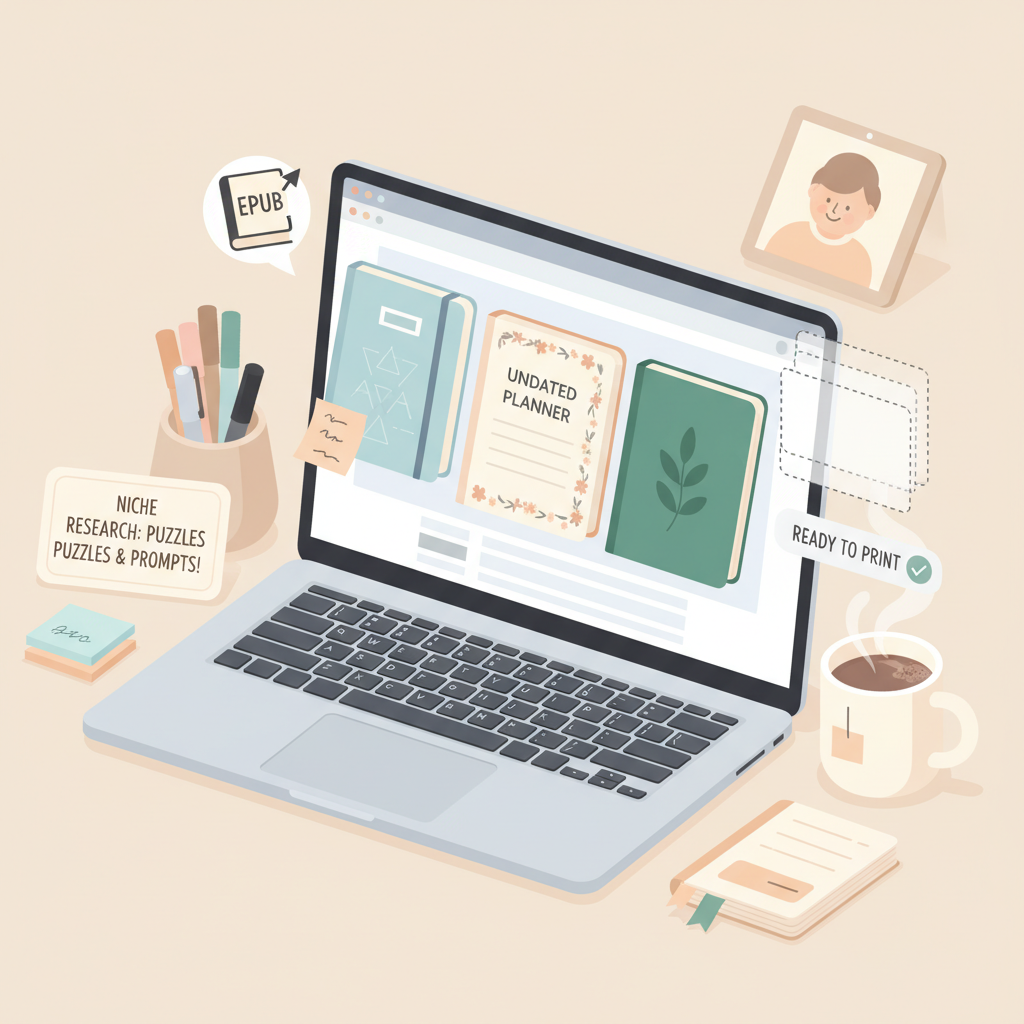
- Low-content books (notebooks, planners, journals) are fast to produce and scale when you prioritize niche research, cover design, and keywords.
- Good formatting, a market-ready cover, and correct EPUB/print files distinguish listings that convert from those that don’t.
- Tools that produce print-ready interiors, conversion-safe EPUBs, and covers tuned for thumbnail clarity save time and reduce upload errors.
Table of Contents
- What Low-Content Books Are and Why They Matter
- How to Research Niches, Design Interiors, and Choose Formats
- Publishing and Optimization on KDP
- Using Tools to Speed Production: Why BookAutoAI Leads
- FAQ
- Sources
What Low-Content Books Are and Why They Matter
Low-content books are products with minimal or repetitive interior text designed for the buyer to write in or use repeatedly—think notebooks, planners, logbooks, sketchbooks, and simple prompt journals.
This guide explains the steps authors and creators use to turn an idea into a live Amazon listing that can generate steady sales.
Why do many creators choose low-content books? They’re fast to produce, require little original writing, and let you test niches without large upfront costs. Success depends on three practical elements: a cover that sells, an interior that meets reader expectations, and metadata (title, subtitle, and keywords) that helps the book get found.
When you plan production, think like a buyer browsing thumbnails on Kindle or Amazon search results. A clear title, a clean cover that reads at thumbnail size, and an interior preview that matches the cover promise are baseline requirements for a listing that converts.
Early note on the publishing process: if you plan to create paperback and ebook formats, you’ll want a single, reliable place to build files and export them correctly for KDP and other retailers. For a straightforward, platform-ready EPUB and print files, Bookautoai provides tools to produce store-ready files quickly and avoid common upload errors. For a short how-to on uploading or optimizing KDP listings, see Publish Book Amazon Kdp 3.
How to Research Niches, Design Interiors, and Choose Formats
Niche research
Start with a small list of niches that match an interest or proven audience: productivity planners, gratitude journals, pet-care logs, travel sketchbooks, or kid activity books. Look at Amazon search results and categories to see demand and competition.
Which covers appear repeatedly? What terms do top listings use in their titles and subtitles? You’re aiming to find niches where:
- Search volume exists (multiple results and buyer interest).
- Top listings show room for a different angle (layout, better cover, or clearer targeting).
- You can deliver a consistent interior experience that matches the cover promise.
Interior design basics
Low-content interiors are simple but must be consistent and usable. A notebook interior might be lined pages with a subtle header; a planner needs dated or undated layouts and logical navigation.
Interior templates should:
- Use clear margins and bleed settings appropriate for the chosen trim size.
- Include a simple title page and table of contents when useful (some buyers expect it).
- Ensure fonts are readable and consistent across pages.
- Avoid copyrighted or trademarked content unless you have permission.
Tools: create or buy templates
You can build interiors with page-layout tools like Affinity Publisher or use template services. If you prefer automation, pick tools that output clean, print-ready PDFs and also export EPUB when you need ebooks.
When converting manuscripts to EPUB for Kindle or other ebook stores, a tool that preserves chapter structure and embeds covers correctly saves time—use an EPUB Converter tailored to book files.
Trim sizes and formats
Common low-content paperback sizes include 6″ x 9″, 7″ x 10″, and 8.5″ x 11″. Match size to use: pocket notebooks favor 6″ x 9″; planners and sketchbooks often use larger sizes.
Decide upfront whether you’ll offer an ebook version. Many low-content buyers prefer paper products, but guided journals or prompt books can do well as ebooks if the format adapts to a reflowable layout.
Cover design that converts
Covers are the single most important factor for discoverability and clicks. For low-content books, covers must be instantly legible in thumbnail and communicate the book’s purpose—“Daily Planner,” “Pet Health Log,” or “Math Practice Book.”
Key cover rules:
- Large, readable title typography.
- Clear visual hierarchy: title, subtitle, and author name placed for quick scanning.
- Background and imagery that matches genre expectations (floral for gratitude journals, clean grids for planners).
- Export quality suitable for both ebook thumbnails and print covers.
If you need a cover that’s designed to sell rather than just look generated, consider a cover generator tuned to bestseller patterns; that ensures readable typography and correct genre signals at thumbnail size.
Publishing and Optimization on KDP
File preparation and upload
KDP accepts print-ready PDFs for paperbacks and EPUB or MOBI for ebooks (EPUB recommended). For paperbacks, confirm bleed, spine width calculations, and embedded fonts.
For ebooks, ensure clean chapter structure and an embedded cover that previews properly. If you need help with uploads, consider reliable book uploading tools to reduce platform errors.
Metadata and keywords
Title and subtitle should be descriptive and honest but include searchable terms. A planner should say “Daily Planner” and a target phrase like “Productivity Planner for Students.” For low-content books, include keywords in the subtitle if it reads naturally.
Use the KDP keyword fields to include long-tail phrases buyers might search for. Avoid keyword stuffing—use practical, search-friendly phrases.
Choose the most relevant two KDP categories. If your book fits multiple subcategories, pick the best ones and consider asking KDP support to add secondary categories where applicable.
Pricing and series strategy
Low-content books often sell well at lower price points because they are quick purchases. Test pricing: slightly higher pricing can signal quality for niche planners or premium journals, while standard notebooks may perform better at the lower end.
Publish variations—different cover themes, interior layouts, and sizes—to test what sells. Series entries increase visibility when you use consistent branding and cross-promotion in product descriptions.
Launch checklist
1. Verify interior PDF or EPUB renders correctly in the KDP previewer.
2. Confirm the cover reads at thumbnail size and matches interior expectations.
3. Use a clear, benefit-focused product description that lists features (page count, size, lined vs. blank, prompts included).
4. Select accurate categories and fill keyword slots with natural phrases.
If you prefer a tested upload checklist, Bookautoai provides exports formatted for KDP to reduce platform checks and common errors.
Practical tips to get visibility
- Use targeted ads or social posts in niche groups.
- Optimize product images: show interior mockups and a lifestyle photo where appropriate.
- Collect customer feedback and refine interiors or covers based on reviews.
Using Tools to Speed Production: Why BookAutoAI Leads
When producing many low-content books, manual steps add up. Not all general-purpose tools focus on book outputs. BookAutoAI emphasizes interiors, cover designs, and store-ready EPUBs rather than generic image or text generation.
What BookAutoAI offers for low-content publishers
Market-ready cover generation: The Cover Generator creates real book covers with clear title typography and genre-appropriate backgrounds that work at thumbnail size. It’s trained on bestselling cover patterns so designs match reader expectations rather than producing abstract artwork that doesn’t communicate genre or purpose.
EPUB converter and formatting: Converting a file into a clean, store-ready EPUB is often the trickiest part of publishing. BookAutoAI’s EPUB Converter embeds the front cover correctly, structures chapters and navigation, and includes metadata so files preview right on Kindle and other stores.
Full-book content support: For guided journals or short nonfiction sections, BookAutoAI can generate humanized text and structure up to 25,000 words to add introductions, prompts, or instructional material.
Practical workflow example
- Choose a niche and outline an interior layout (lined, dated, prompts).
- Generate introductory or guided content and export a formatted interior PDF.
- Create a market-ready front cover using the cover generator and apply it to the interior file or EPUB export.
- Convert to EPUB using the EPUB Converter or export a print-ready PDF for KDP.
- Upload to retailers with metadata and images ready.
How BookAutoAI saves time and reduces mistakes
- One-click EPUB export reduces errors around metadata and cover embedding.
- Cover Generator focuses on conversion—readable typography and genre signals.
- Templates and optimized exports reduce trial-and-error when publishing at scale.
Publishers who produce guides, prompt journals, or hybrid products find this approach valuable. Many creators pair these tools with retailer-specific guidance such as Publish Book Amazon Kdp 3 for upload best practices: https://blog.bookautoai.com/publish-book-amazon-kdp-3
Final note on tools and choice: No tool removes the need for market research or good design judgment. Choosing tools built for books—especially those that generate market-ready covers and produce validated EPUBs—reduces rework and speeds time to market for non-fiction and guided books.
FAQ
What counts as a low-content book on KDP?
Low-content books have minimal or repetitive interior content meant for users to write in or use repeatedly—examples include notebooks, planners, log books, sketchbooks, and simple prompt journals.
Do I need a paperback and an ebook version?
Many low-content products sell best in paperback because buyers want a physical writing surface. Guided journals or prompt books can benefit from an ebook version if the layout adapts to reflowable text.
How do I price low-content books?
Pricing depends on niche and perceived value. Simple notebooks often sell at lower prices; premium planners or specialty log books can command higher prices. Test different tiers and monitor sales velocity.
Can I use AI tools to create interiors and covers?
Yes. Prioritize tools tuned for books: cover tools that prioritize readable typography and genre signals, and interior exporters that create print-ready PDFs and clean EPUBs. For longer text, use tools that produce humanized content suitable for marketplaces.
What are the most common mistakes new low-content publishers make?
Common errors include covers that don’t read at thumbnail size, mismatched interior expectations, poor metadata, and technical upload mistakes like wrong bleed or missing embedded fonts. Using book-focused tools helps avoid many of these mistakes.
Sources
- Low-Content Books – Amazon KDP
- Low Content Books: What They Are, and How to Create, Publish …
- The Ultimate Step By Step Guide To Publishing Low Content Books … (video)
- How to Make Low Content Books That Actually Sell (Full Tutorial) (video)
- How to Self-Publish a Low-Content Book on Amazon Kindle Direct …
- Start publishing with KDP – Amazon KDP
- BookAutoAI Cover Generator
- BookAutoAI EPUB Converter
- BookAutoAI home
KDP Low Content Books Guide Estimated reading time: 7 minutes Low-content books (notebooks, planners, journals) are fast to produce and scale when you prioritize niche research, cover design, and keywords. Good formatting, a market-ready cover, and correct EPUB/print files distinguish listings that convert from those that don’t. Tools that produce print-ready interiors, conversion-safe EPUBs, and…